Guide collection

IPTV field guide and troubleshooting handbook

Pick up the chapter that matches your setup. Start with the TV and app, check the guide separately, then compare the terms for the screen you actually use.
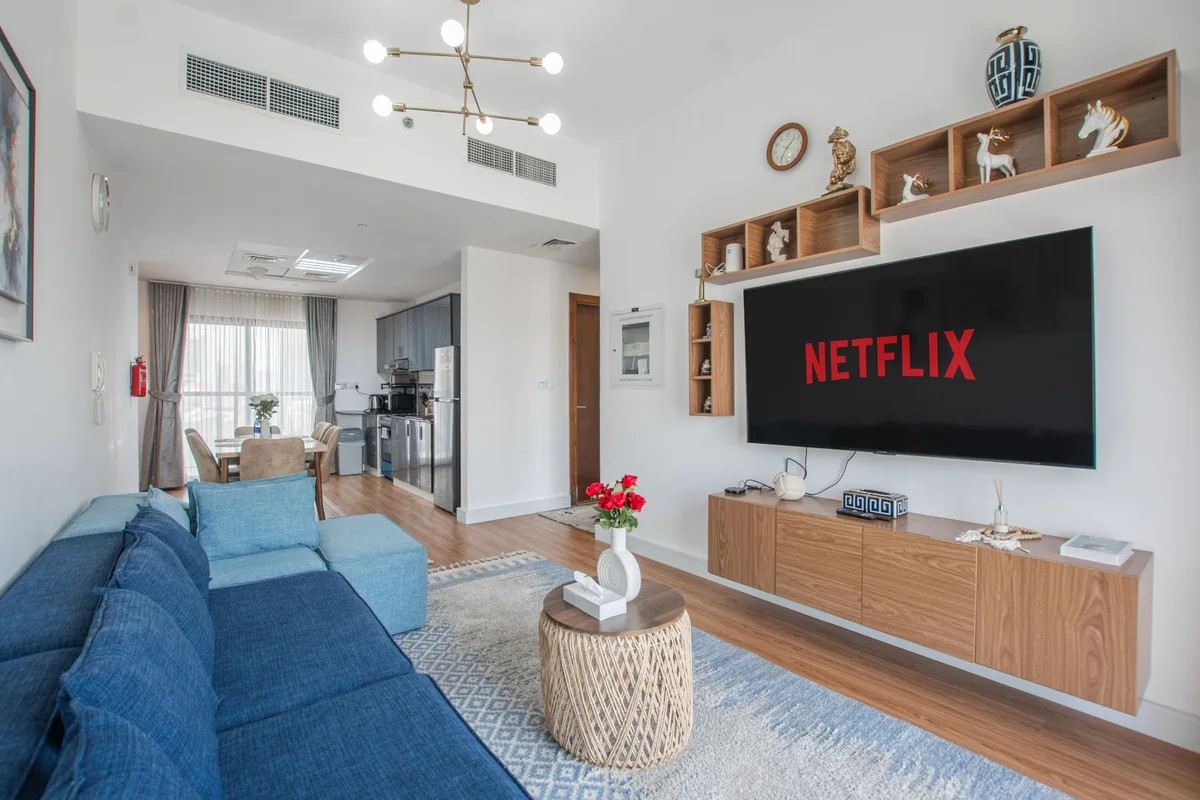
Wall-mounted television, low console and blue sofa in a living room
Photo by Waqas Ilyas on Pexels

Illustrated reference

Browse all artwork →

Section covers

The first working channel

Open one channel, put the remote down for a minute, then switch away and back. Write down which player and source you used.

Open the handbook · Source reference

Pick up the chapter that matches your setup. Start with the TV and app, check the guide separately, then compare the terms for the screen you actually use.

Start watching

  • What is IPTV?. IPTV delivers television over an IP network. Learn which parts of your setup control playback, channels, guide listings and account access.
  • Set up an authorized player on Fire TV. Find the Fire TV model and Appstore listing, enter the service’s supported source type, and prove one working channel before changing playback settings.
  • Set up IPTV on Android TV and Google TV. Install a TV-compatible player from Google Play, use the correct source format, and separate remote, sign-in, playback and guide checks.
  • Set up an authorized player on Apple TV. Find the Apple TV hardware model, install a compatible tvOS player from its store, and check picture, audio and guide access with one programme.

Fix playback or guide data

Compare your options

Plan for your market

Read a provider in depth