
Device guide
IPTV on Apple TV 4K
Distinguish Apple TV 4K generations and the 2022 Wi-Fi versus Ethernet variants, then check app, HDMI and audio compatibility.
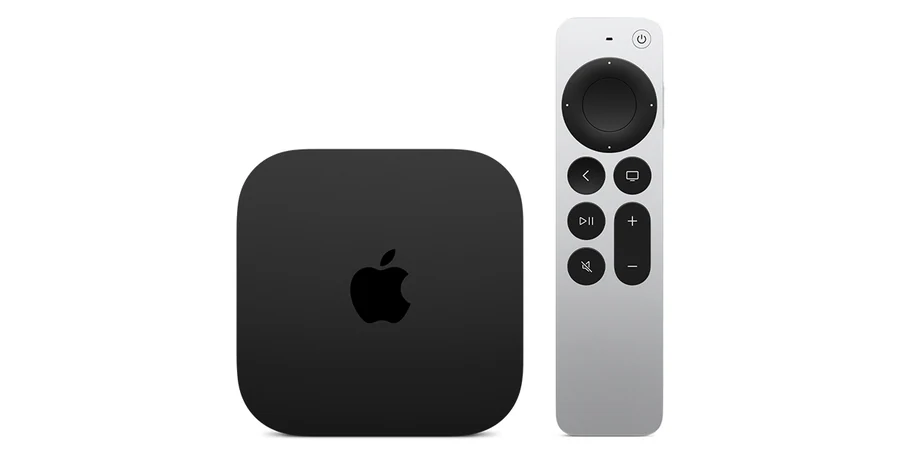
The 2022 versions differ where the cable goes
Apple sold two third-generation Apple TV 4K models in 2022. A2737 is the 64 GB Wi-Fi model. A2843 is the 128 GB model with Wi-Fi and a Gigabit Ethernet port. Look at the A-number and the physical ports before planning a wired test. Apple TV 4K from another generation may also have Ethernet, so a jack alone does not identify A2843.
The model and tvOS version belong together in any compatibility request. The App Store lists support by platform and software requirement. The TV panel attached to the box has its own format and HDMI limits.
| Apple TV 4K edition | Model | Connection note |
|---|---|---|
| First generation, 2017 | A1842 | Apple lists Gigabit Ethernet. |
| Second generation, 2021 | A2169 | Apple lists Gigabit Ethernet. |
| Third generation Wi-Fi, 2022 | A2737 | 64 GB, Wi-Fi model. |
| Third generation Wi-Fi + Ethernet, 2022 | A2843 | 128 GB, Gigabit Ethernet jack. |
Keep the player and display tests distinct
First confirm the player launches and opens a supported source. Use the service’s authorised path and test one known programme with audio and captions. Then change only the display output or connection if you see a specific defect. With an HDMI receiver or soundbar in the path, a direct test into the TV can help locate a blank screen at format changes.
Apple’s 4K HDR guidance treats the TV, the HDMI cable and connected equipment as a chain. An HDR label on the box is one part of that chain. Use the HDMI connection check in Video and Audio if available for your setup. A known-good SDR programme gives you a working comparison while investigating a specific HDR mode.
If wired playback is the deciding factor
- Confirm there is a supported Ethernet port on your model. Use the actual network interface reported on the box.
- Test the same title once on Wi-Fi and once on Ethernet, where possible. Do not start both tests at the same time on a single-connection account.
- If the same station fails on both paths, check app and service behavior before replacing the home router.
- If only the higher HDR mode fails, record the HDMI path and mode while testing a modest baseline.
View the manufacturer artwork
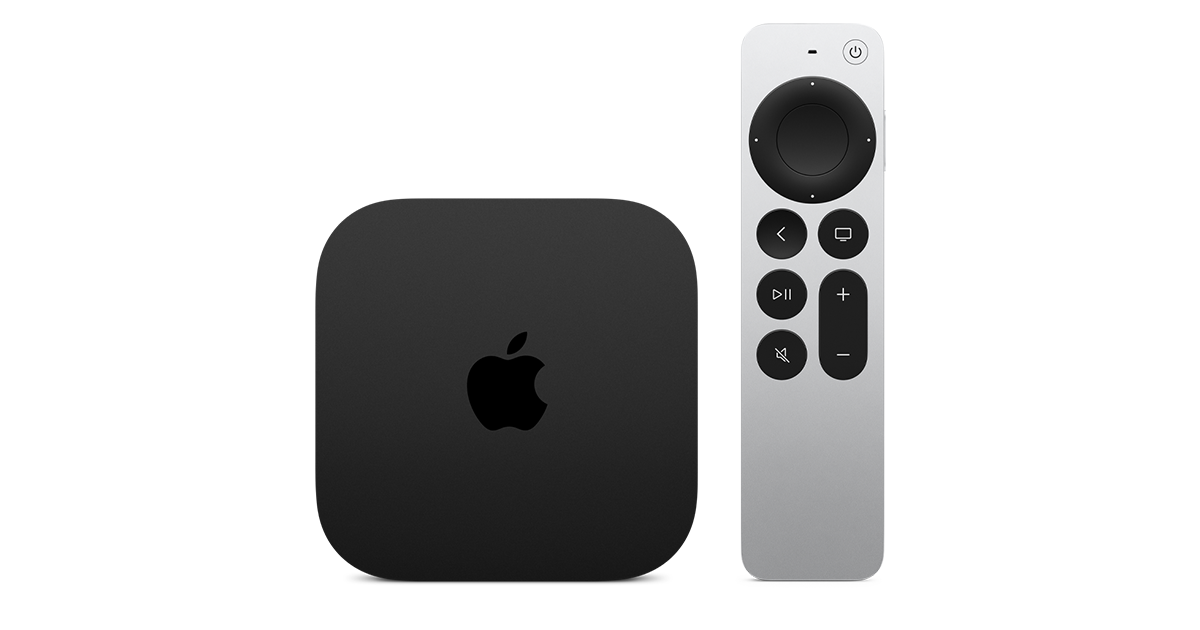
- Apple TV 4K with Siri Remote · 1200 × 630
Sources and further reading
- Apple · Download apps on Apple TV 4K and Apple TV HD
- Apple TV model identification · Generation, port and model number
- Apple TV 4K HDMI and HDR support · Display, cable and receiver checks
- Apple Match Content instructions · Frame rate and dynamic range behavior