
Streaming
Check a live stream before match day
Verify the broadcaster and exact event, then test the screen and connection you plan to use.
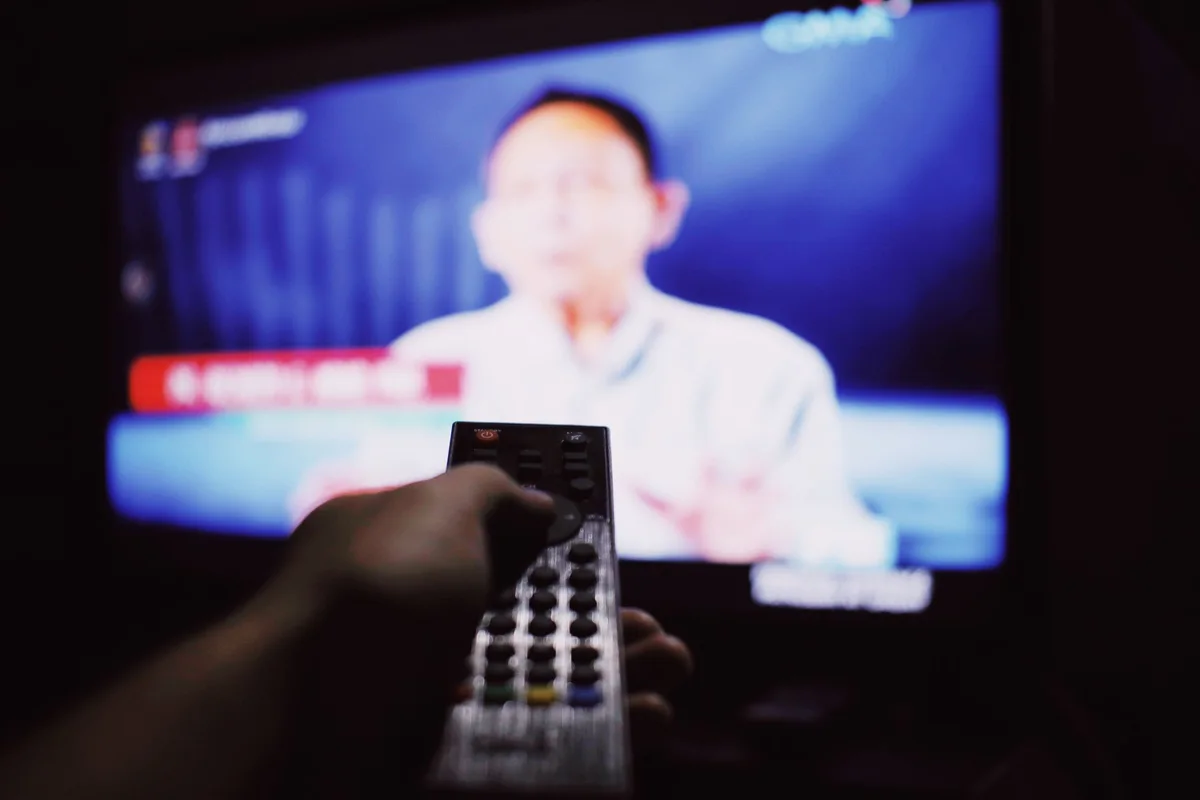
Verify the broadcaster and exact event, then test the screen and connection you plan to use.
How it works
A competition schedule, a regional broadcaster listing and your package entitlement answer different questions. A low-traffic test helps verify setup. A separate high-demand live window provides more relevant playback evidence.
What to do
- Match the event, edition and location to the organizer’s schedule.
- Check which official broadcaster or app carries it in your territory.
- Check connection allowance if another screen will be in use.
- Confirm captions and start a reference stream before the event begins.
Find the exact fixture and authorised feed
Look up the match or event in the organiser’s schedule first. Copy its full name, event date and published time zone. Next, check the broadcaster or service that carries that fixture in the country where you will watch. A broadcaster may carry the tournament without carrying every event or every replay. Verify whether the specific fixture appears in your subscription or requires a separate purchase.
Use the service’s own listing to distinguish an early studio show, the live match and a highlights stream. If a listing says coverage begins at 18:30 while the match starts at 19:00, use those as separate checks. Open the authorised programme or its event page early enough to see any sign-in or package message.
| Question | Place to check | What to keep |
|---|---|---|
| When does play start? | Organiser’s official schedule | Fixture, date and time zone |
| Which feed can I use here? | Broadcaster’s listing for the viewing country | Channel, app and live or replay label |
| Does my account include the fixture? | Current plan or purchase screen | Package name and account entitlement |
Rehearse on the same screen
Play a normal live channel from the same service for ten minutes on the television or streamer you expect to use. Test the needed audio track and captions while seated where you will watch. If you intend to cast, run the rehearsal through the receiver. A phone playing on its own proves less than a test of the complete setup.
Plan a legitimate fallback that you can actually open, such as the broadcaster’s mobile player or a supported web player. If the TV app fails, try the same authorised event there. If both devices show the same package or location message, return to the broadcaster’s listing before changing your network.
Sources and further reading
- ICC official broadcasters directory · Example of an organiser’s territory-specific broadcast directory.
- Google TV device troubleshooting · Connection and device checks before playback.