Provider profiles
The .app identity behind 8K IPTV
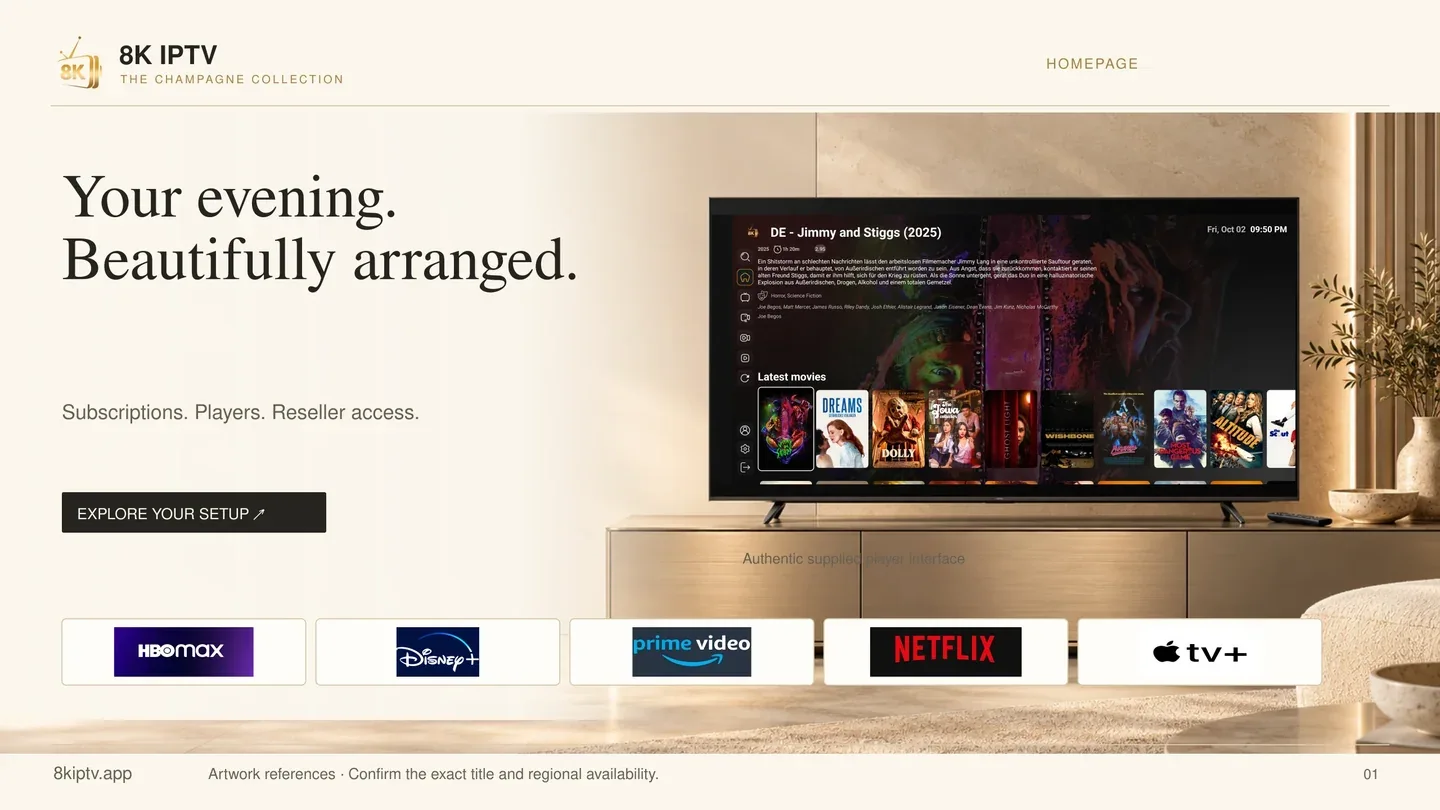
Check the domain on the order as well as the gold player logo. The .app homepage has its own viewing and reseller tables. Save that address with the account information you receive.
Provider profile
Identify the exact 8KIPTV.app brand, its supplied player artwork and the details to get in writing before ordering.
Provider profiles
Check the domain on the order as well as the gold player logo. The .app homepage has its own viewing and reseller tables. Save that address with the account information you receive.
Provider profiles
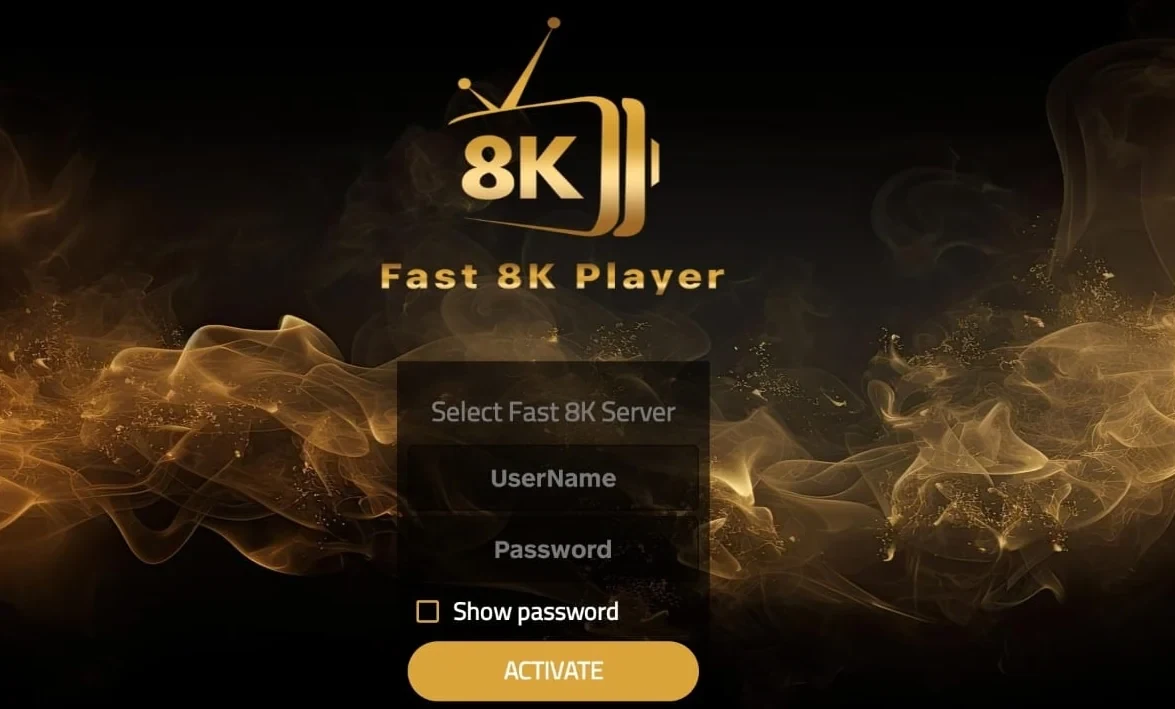
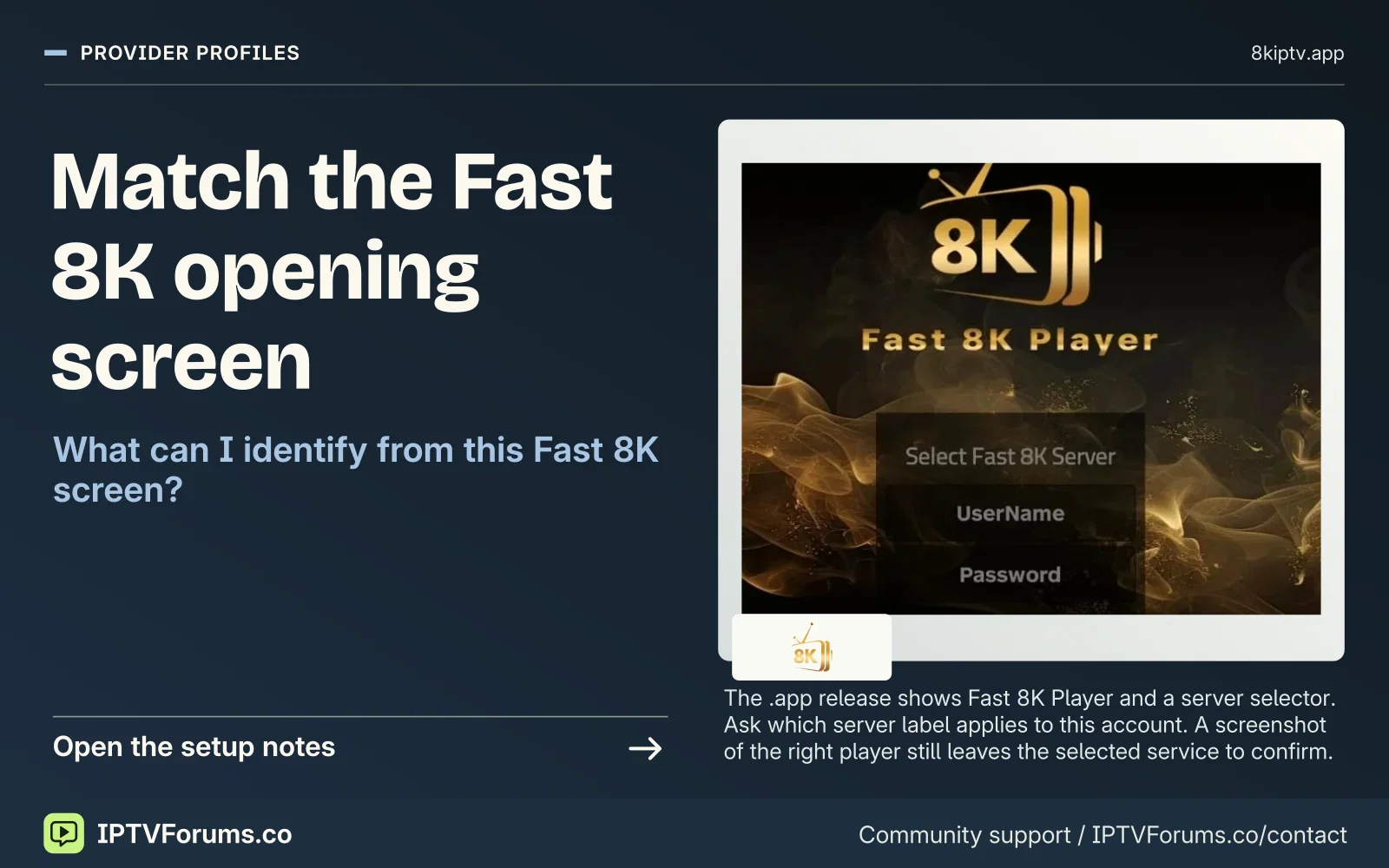
The .app release shows Fast 8K Player and a server selector. Ask which server label applies to this account. A screenshot of the right player still leaves the selected service to confirm.
Provider profiles
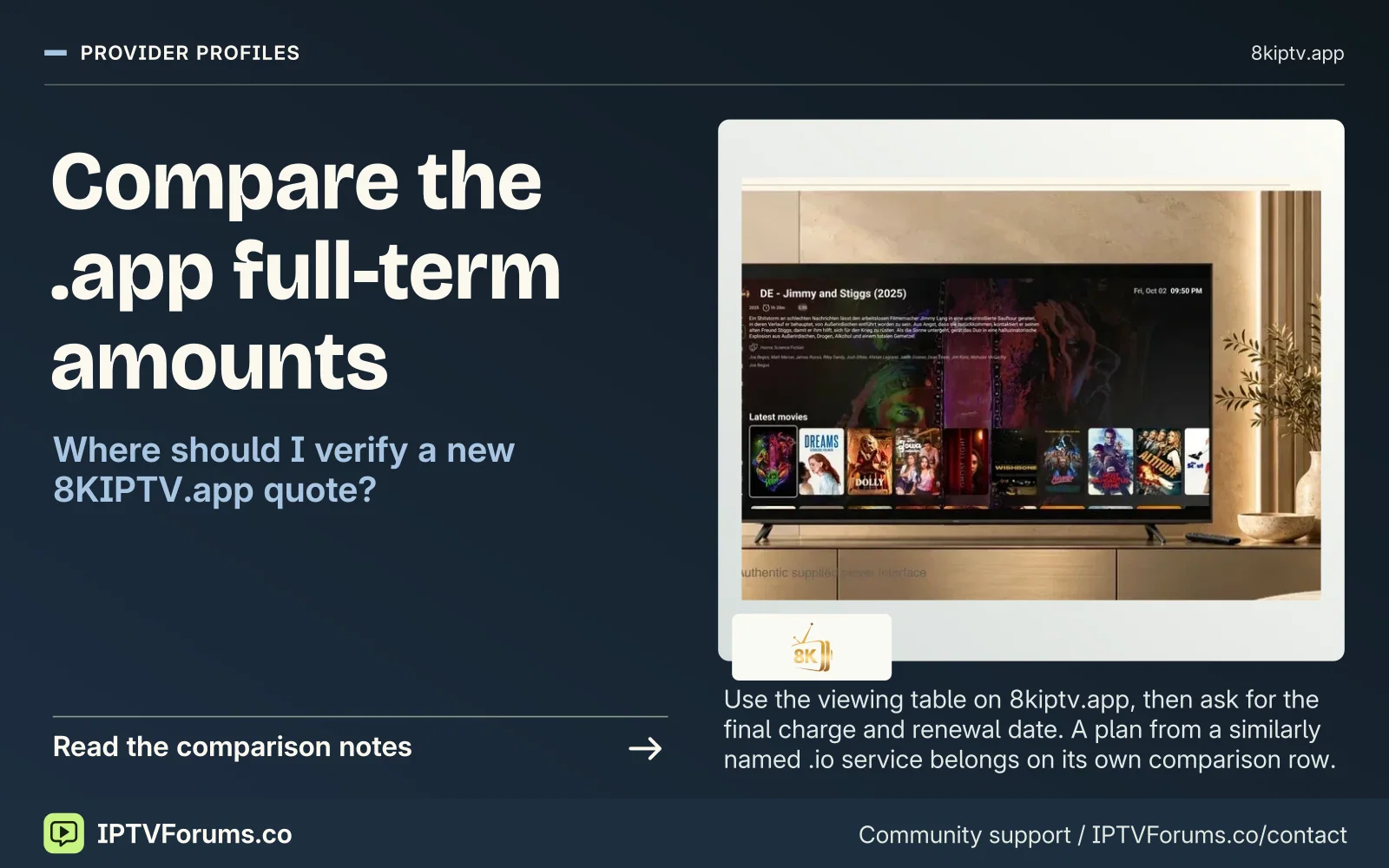
Use the viewing table on 8kiptv.app, then ask for the final charge and renewal date. A plan from a similarly named .io service belongs on its own comparison row.
Subscription pricing
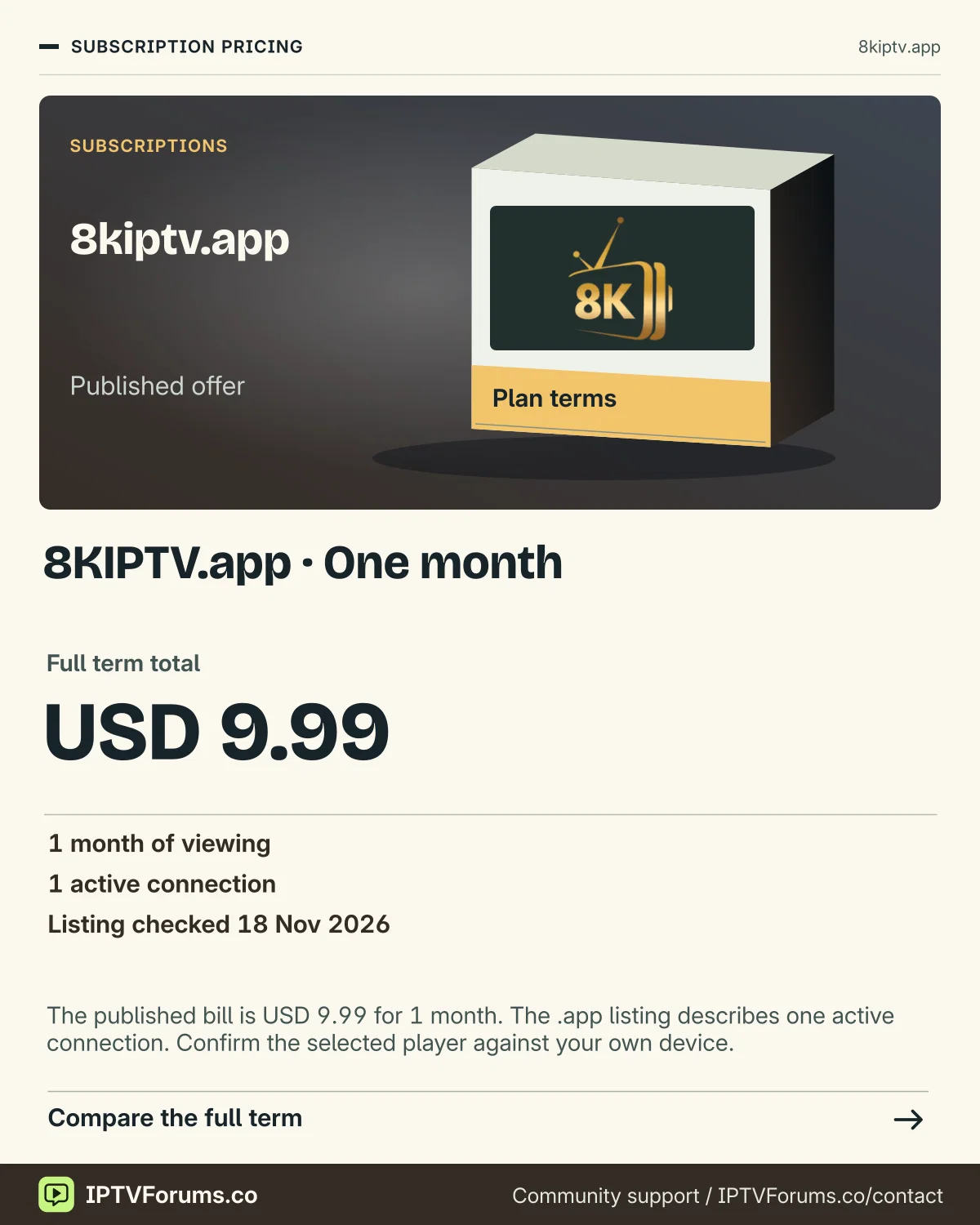
The published bill is USD 9.99 for 1 month. The .app listing describes one active connection. Confirm the selected player against your own device.
Full term total USD 9.99
Subscription pricing
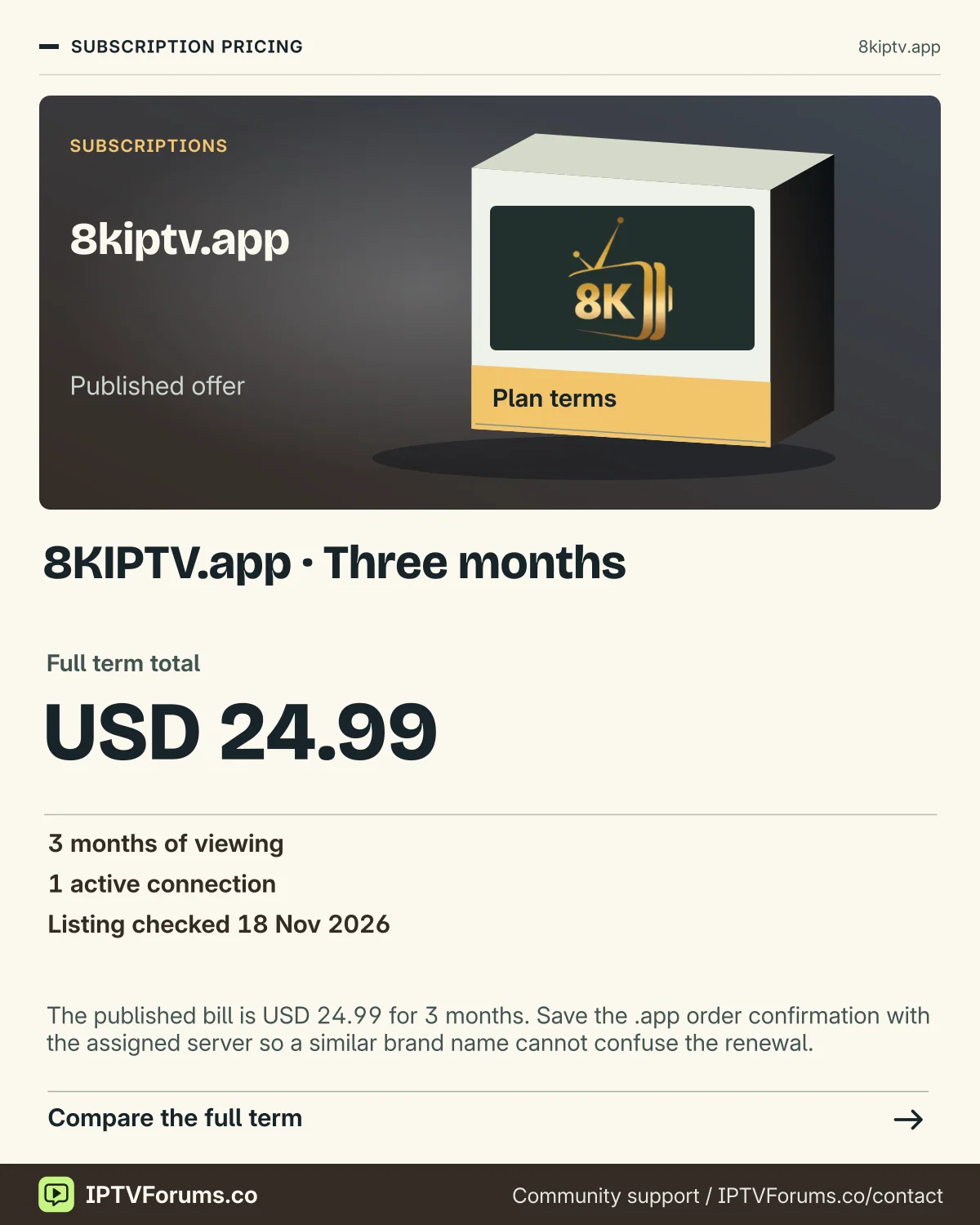
The published bill is USD 24.99 for 3 months. Save the .app order confirmation with the assigned server so a similar brand name cannot confuse the renewal.
Full term total USD 24.99
Subscription pricing
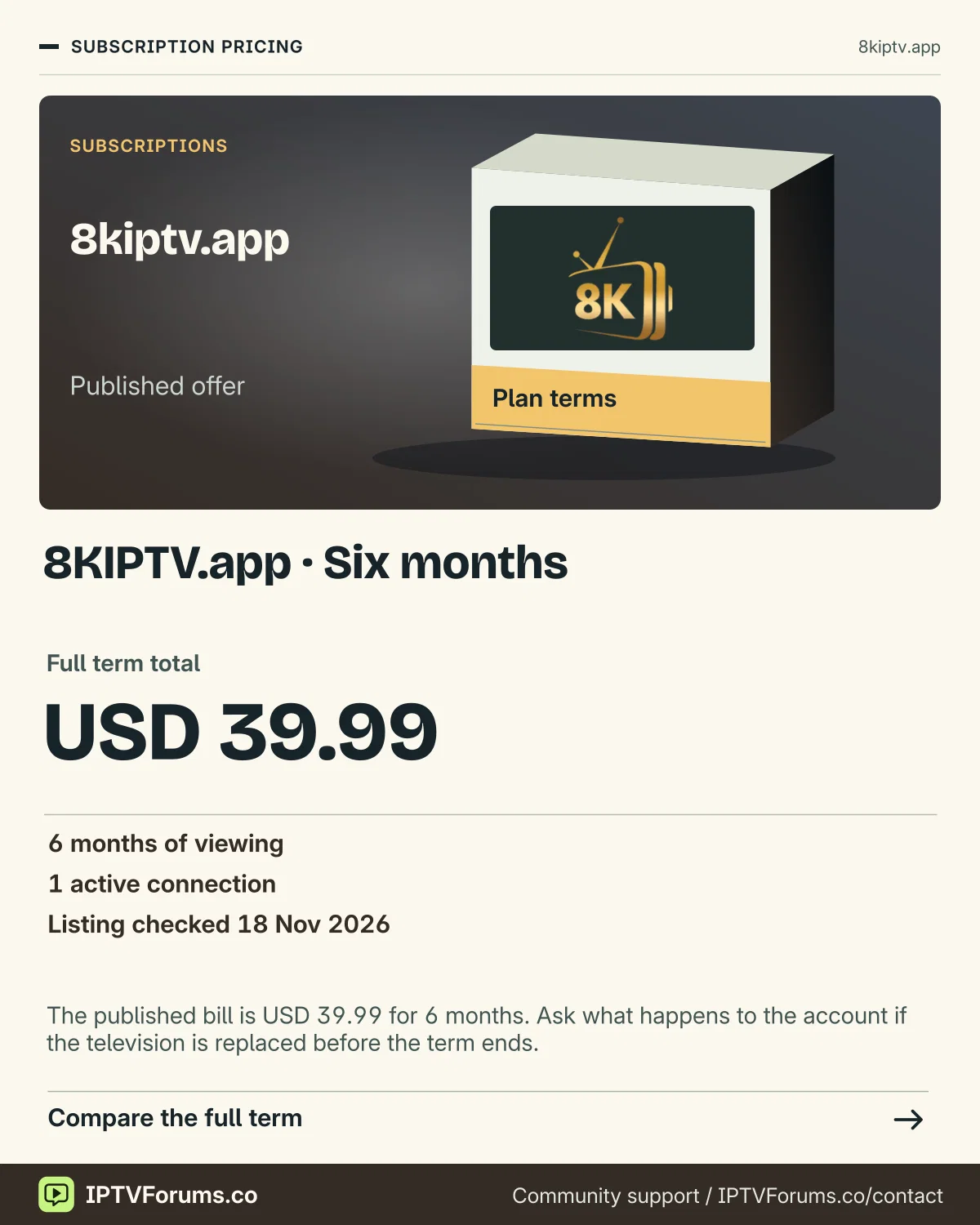
The published bill is USD 39.99 for 6 months. Ask what happens to the account if the television is replaced before the term ends.
Full term total USD 39.99
Subscription pricing
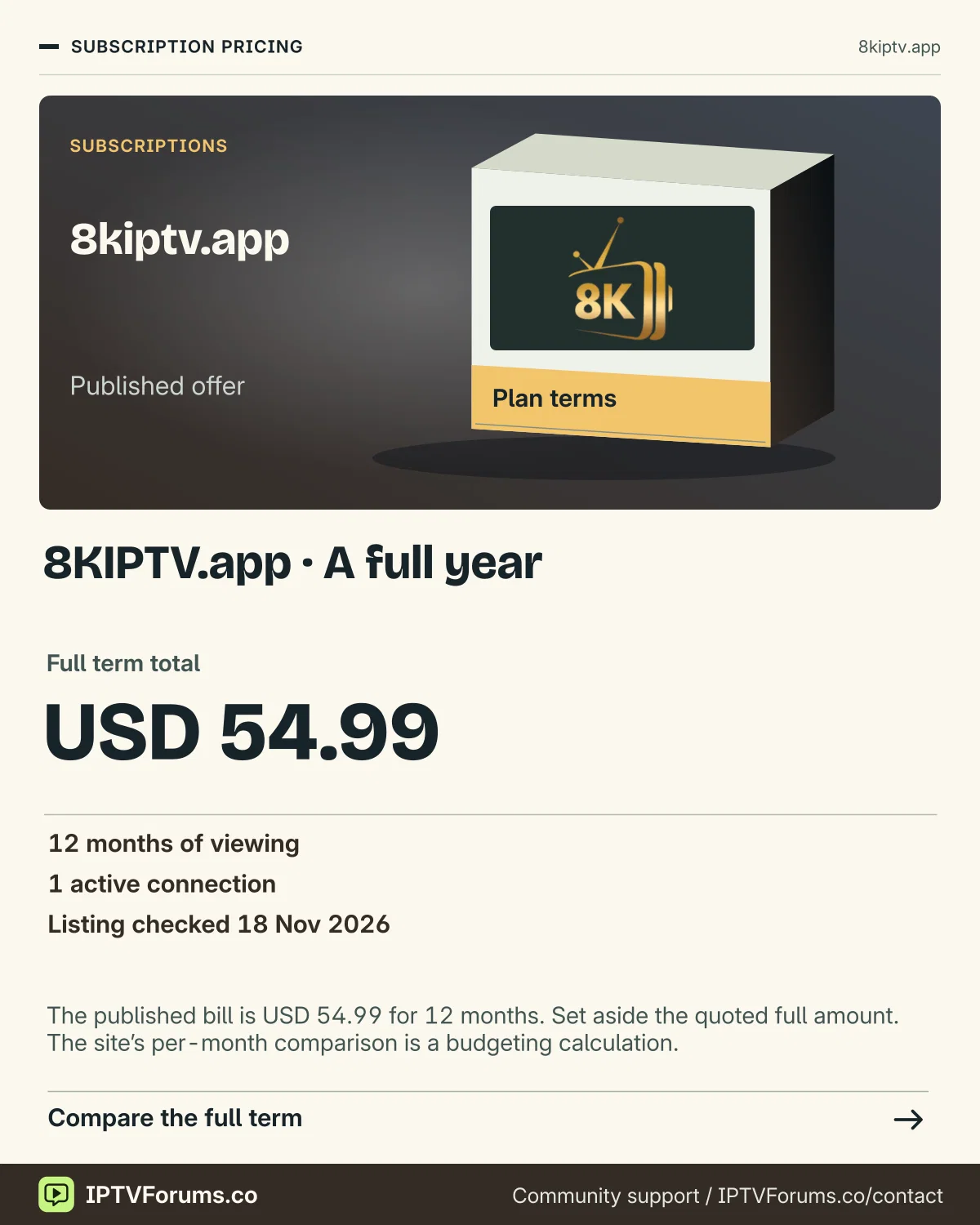
The published bill is USD 54.99 for 12 months. Set aside the quoted full amount. The site’s per-month comparison is a budgeting calculation.
Full term total USD 54.99
Reseller desk
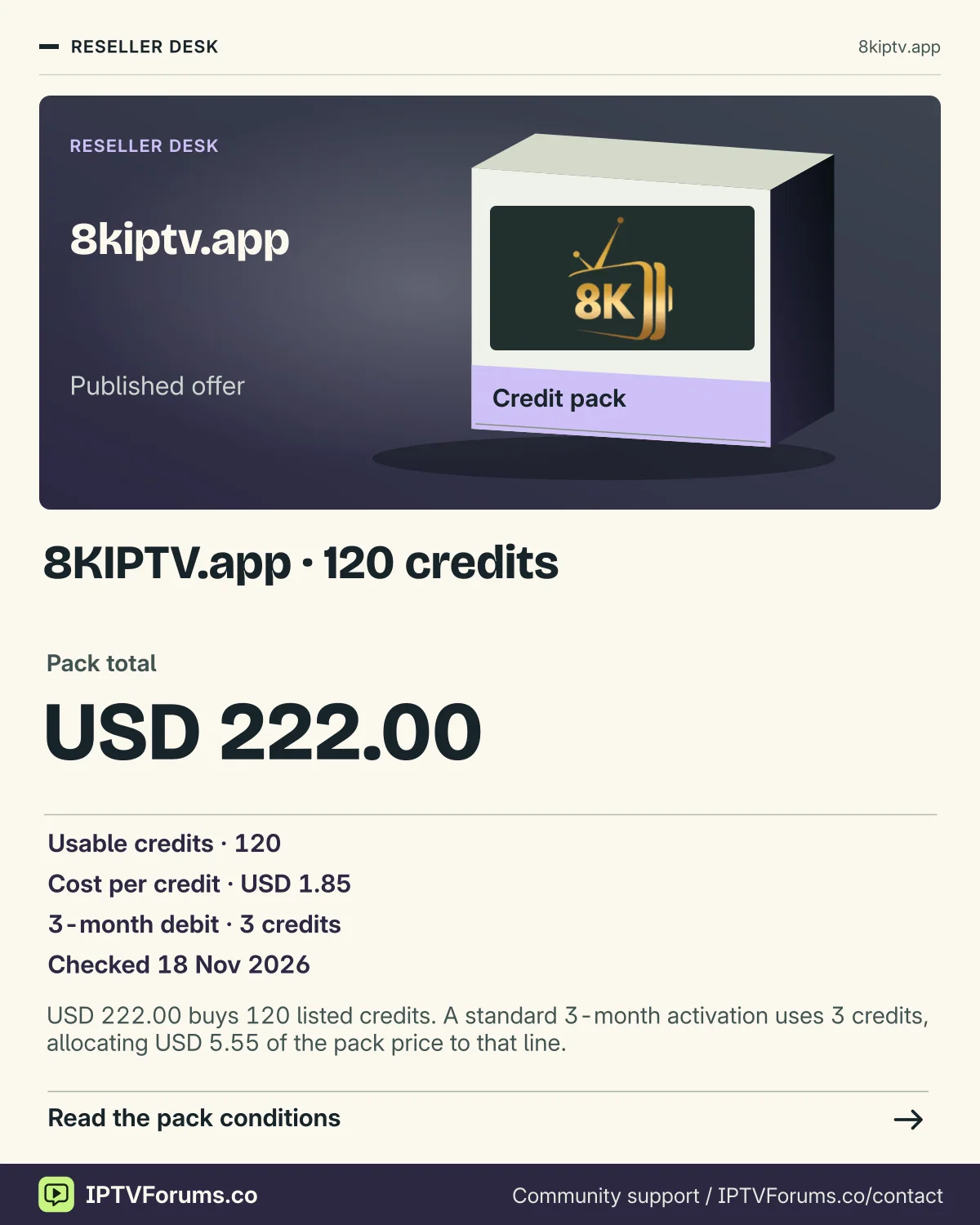
USD 222.00 buys 120 listed credits. A standard 3-month activation uses 3 credits, allocating USD 5.55 of the pack price to that line.
Pack total USD 222.00
Reseller desk
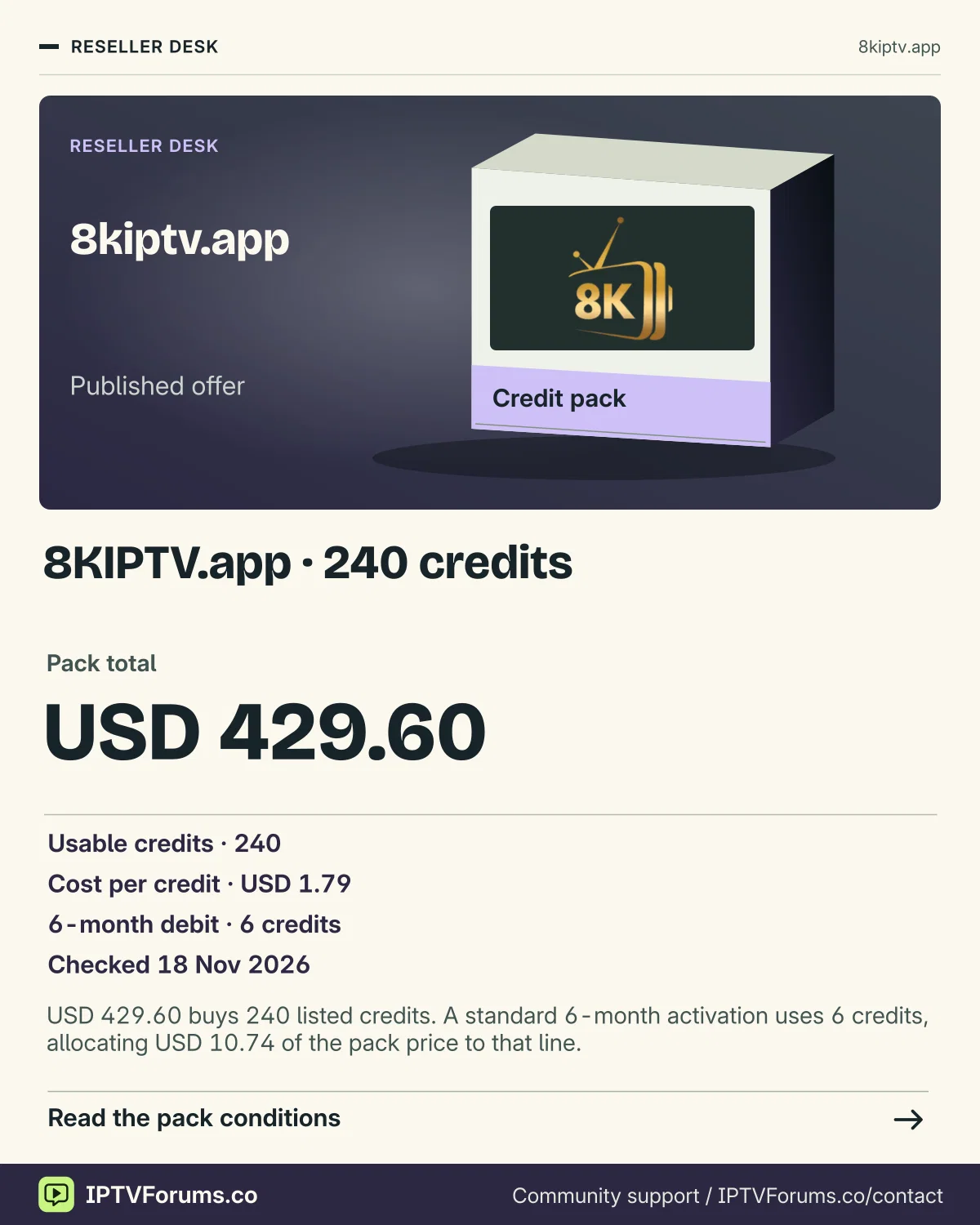
USD 429.60 buys 240 listed credits. A standard 6-month activation uses 6 credits, allocating USD 10.74 of the pack price to that line.
Pack total USD 429.60
Reseller desk
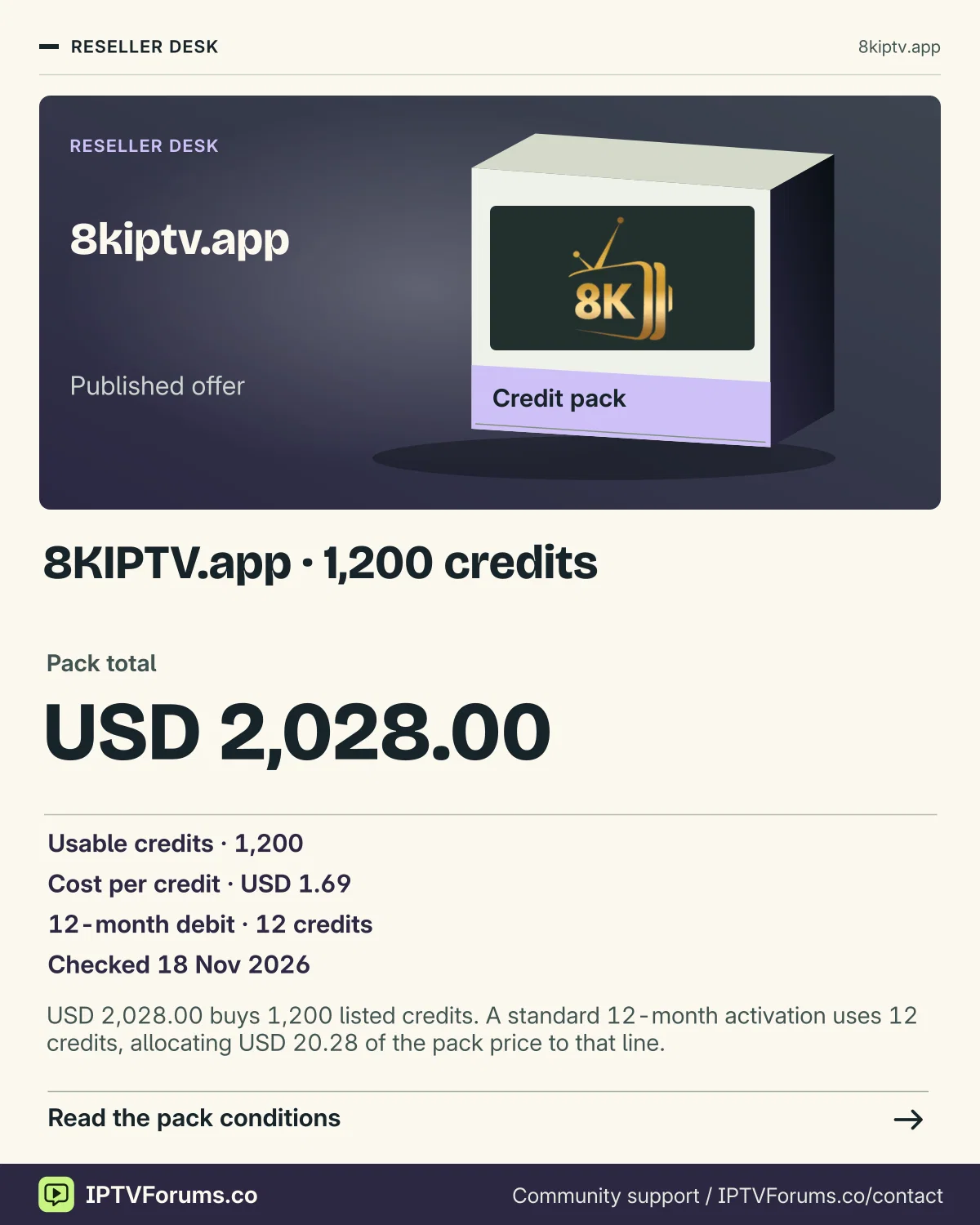
USD 2,028.00 buys 1,200 listed credits. A standard 12-month activation uses 12 credits, allocating USD 20.28 of the pack price to that line.
Pack total USD 2,028.00
Reseller desk
Match the seller, domain and issued panel before paying. Have the .app operator identify the wallet that receives a purchase. A matching player logo cannot confirm a shared balance.
Full billed subscription totals in the seller’s quoted currency. Sources reviewed on 18 November 2026. Confirm renewal and the number of simultaneous screens for the order.
| Provider | Seller | 1 month | 3 months | 6 months | 12 months | Evidence |
|---|---|---|---|---|---|---|
| 8K IPTV App | 8kiptv.app | USD 9.99 | USD 24.99 | USD 39.99 | USD 54.99 | 8kiptv.app · source 1 |

If your invoice says 8kiptv.app, use that hostname when asking for setup help. The release artwork identifies this brand. A similarly named player or an offer on 8kiptv.io or 8kpro.tv belongs to a separate seller record.
| Item | Observed detail |
|---|---|
| Hostname | 8kiptv.app |
| Product scope | Submitted IPTV hostname |
| Source check | 2026-11-13 |
| Audience described in source | Confirm eligibility for your viewing and billing location |
Ask for the install route for your TV’s operating system, the publisher name, the account format and the charge for the whole term. Request a current checkout total and the renewal conditions in writing before deciding.
If you already have the app installed, report its version, your model and what the first screen asks for. That is enough to identify many setup mismatches without sharing the login or private server details.
For 8kiptv.app, get a current written quote with the full price, currency, term and number of simultaneous connections. Compare it with the evidence state shown above.
Match 8kiptv.app to the seller hostname on the order or support record.
Open the setup guide · Check wholesale terms
The 8K IPTV App profile covers the .app seller hostname. A search for an 8K player can turn up guides from 8kiptv.io, 8kpro.tv and app publishers with similar names. Start with the hostname on your invoice or the original support thread, then check whether the seller named the player publisher separately. Those two entries are more useful than a logo when a seller directs you to a listing with a similar title.
Suppose a family member installed the app and you have inherited the television. Open the settings or installed-app information to capture the player name and its version. If the remote first opens an HDMI input rather than the television’s own home screen, check the model of the attached box. Send the hardware name, OS and player version through the verified support route on your receipt. Ask the seller to identify the entry and expected account fields without forwarding the previous user’s password or a full playlist address.
The saved 8kiptv.app material includes a Fast 8K Player screen. Compare the screen title and the kind of fields you see before following any instructions. If your installation instead shows an app activation request or a playlist editor, note where it appears. A description such as “the app opens, then asks for activation before I can add a source” makes the issue easier to route. The public first-party material available for this profile did not establish a current publisher listing or which login applies to your order. Ask the named seller for that link and a supported setup for your specific model.
The older supplied artwork identifies the brand. Use a fresh written quote to fill in the full charged amount, currency, term, start date, permitted concurrent connections and any separate app fee. For a household that plans to replace its device, also request the account transfer rule and who handles a player licence move. If the reply gives a monthly equivalent, ask for the amount that leaves your account when you place the order.
A practical comparison starts with one line from each seller under its exact hostname. If a term or app fee remains blank, keep that entry unresolved. A published price on a lookalike domain cannot fill it in. That small distinction helps prevent a cheaper-looking listing from winning a comparison whose terms apply to a different service.