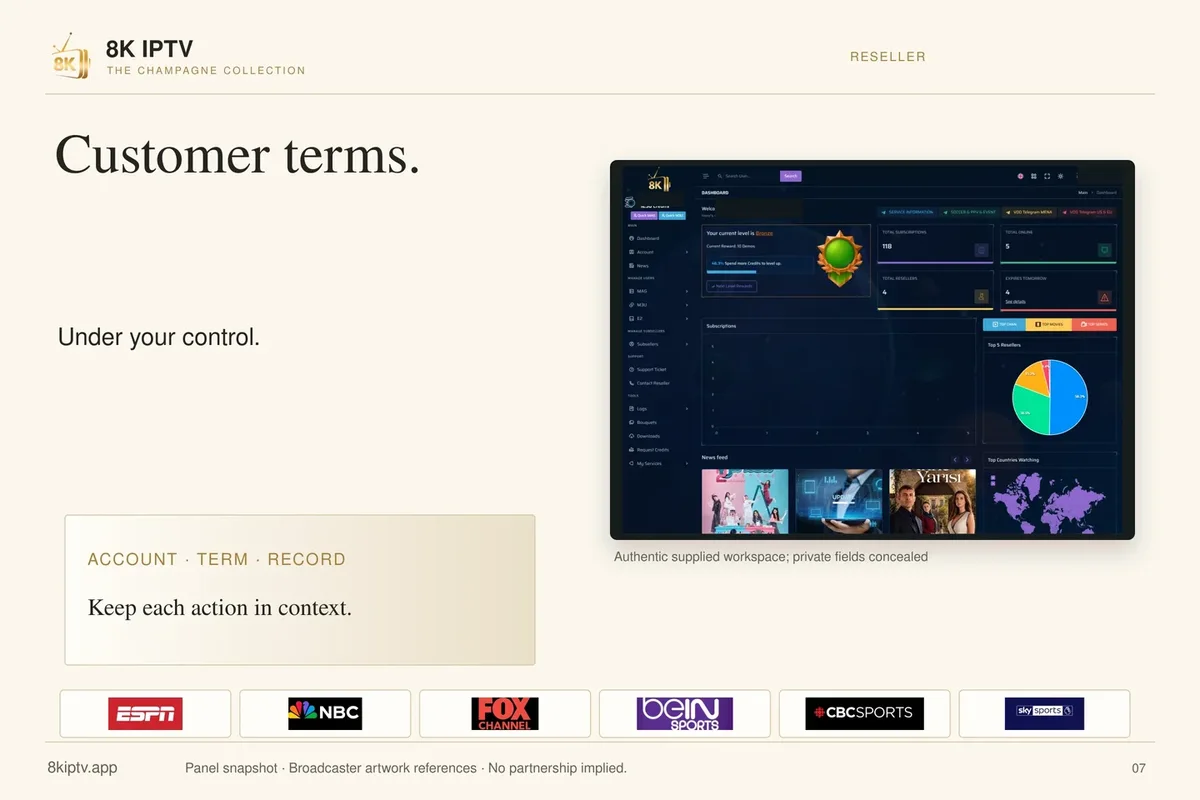
Provider profile
8K IPTV App player and provider guide
Identify the exact 8KIPTV.app brand, its supplied player artwork and the details to get in writing before ordering.
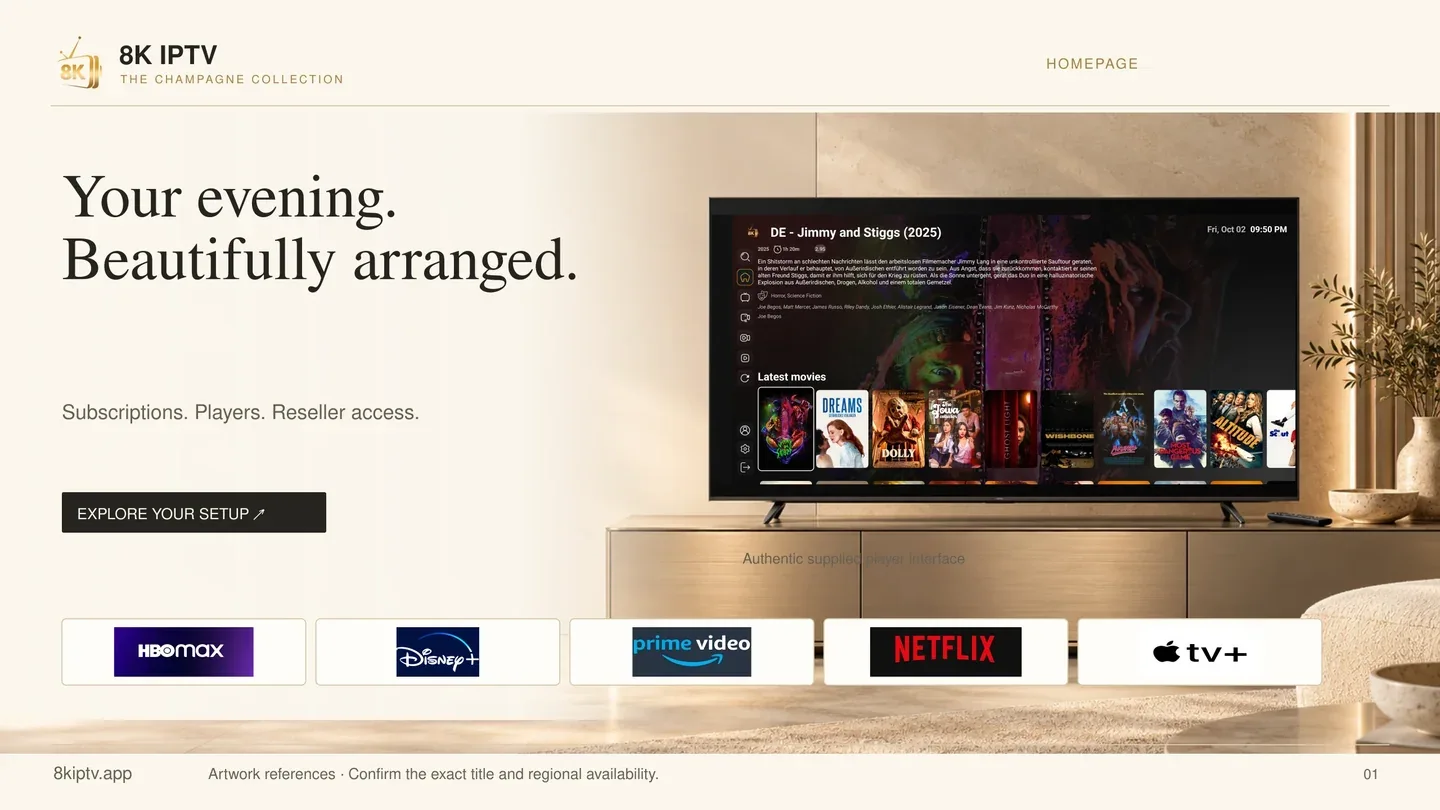

If your invoice says 8kiptv.app, use that hostname when asking for setup help. The release artwork identifies this brand. A similarly named player or an offer on 8kiptv.io or 8kpro.tv belongs to a separate seller record.
Which listing is this?
| Item | Observed detail |
|---|---|
| Hostname | 8kiptv.app |
| Product scope | Submitted IPTV hostname |
| Source check | 2026-11-13 |
| Audience described in source | Confirm eligibility for your viewing and billing location |
Check the setup and account terms
- Match 8kiptv.app to the seller hostname on the order or support record.
- Ask the operator for the exact app publisher, download or store listing and applicable licence for your device.
- Request the full term total, currency, start and expiry dates and concurrent allowance in writing before comparing another brand.
Bring the invoice and app name together
Ask for the install route for your TV’s operating system, the publisher name, the account format and the charge for the whole term. Request a current checkout total and the renewal conditions in writing before deciding.
If you already have the app installed, report its version, your model and what the first screen asks for. That is enough to identify many setup mismatches without sharing the login or private server details.
Put the plan beside your device checklist
For 8kiptv.app, get a current written quote with the full price, currency, term and number of simultaneous connections. Compare it with the evidence state shown above.
Match 8kiptv.app to the seller hostname on the order or support record.
Open the setup guide · Check wholesale terms
Sources and further reading
App screens
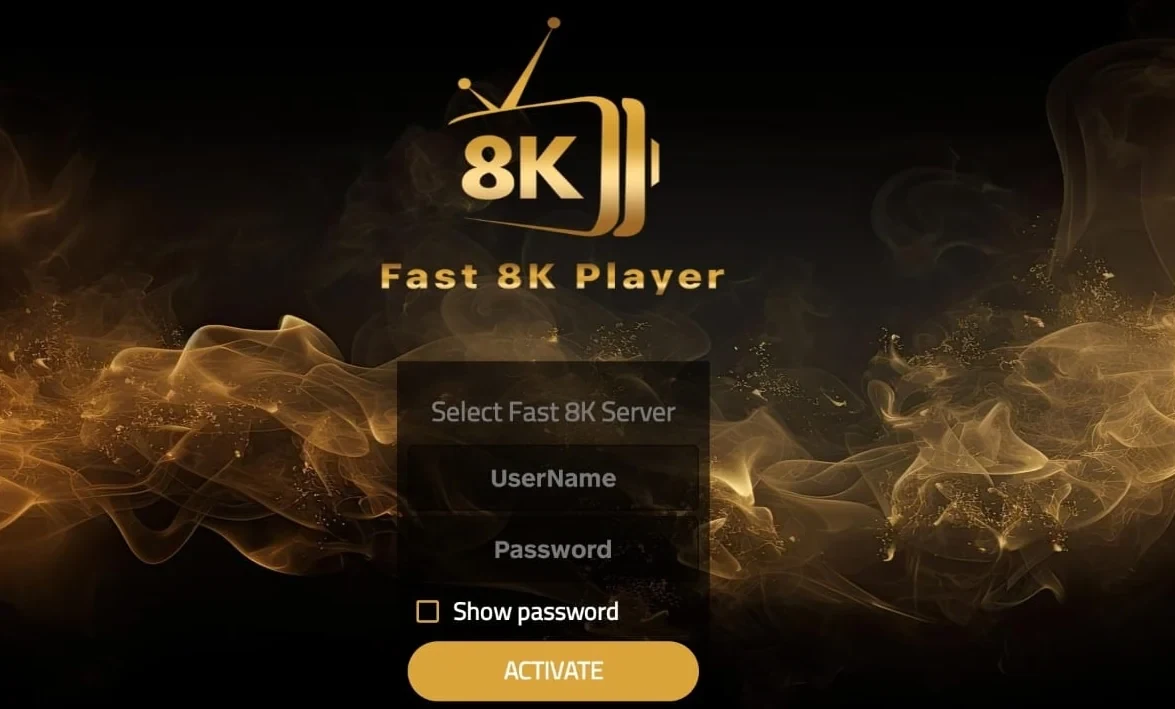
Provider artwork