
Service setup
XOTT service setup guide
On XOTT's installation page, choose the listing for the device platform and confirm whether the app needs its own activation.
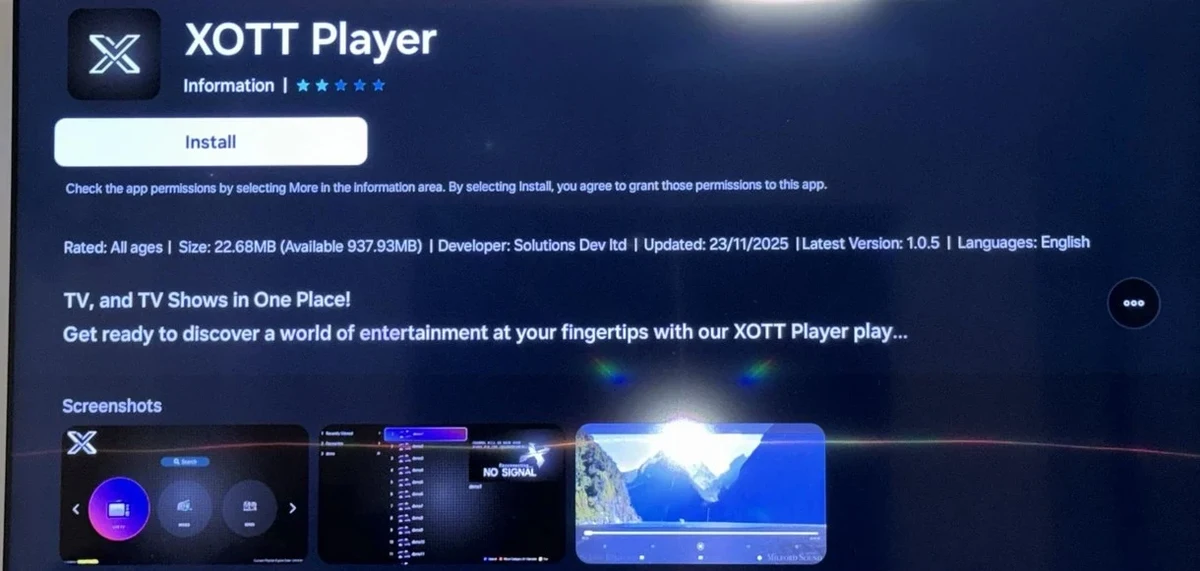
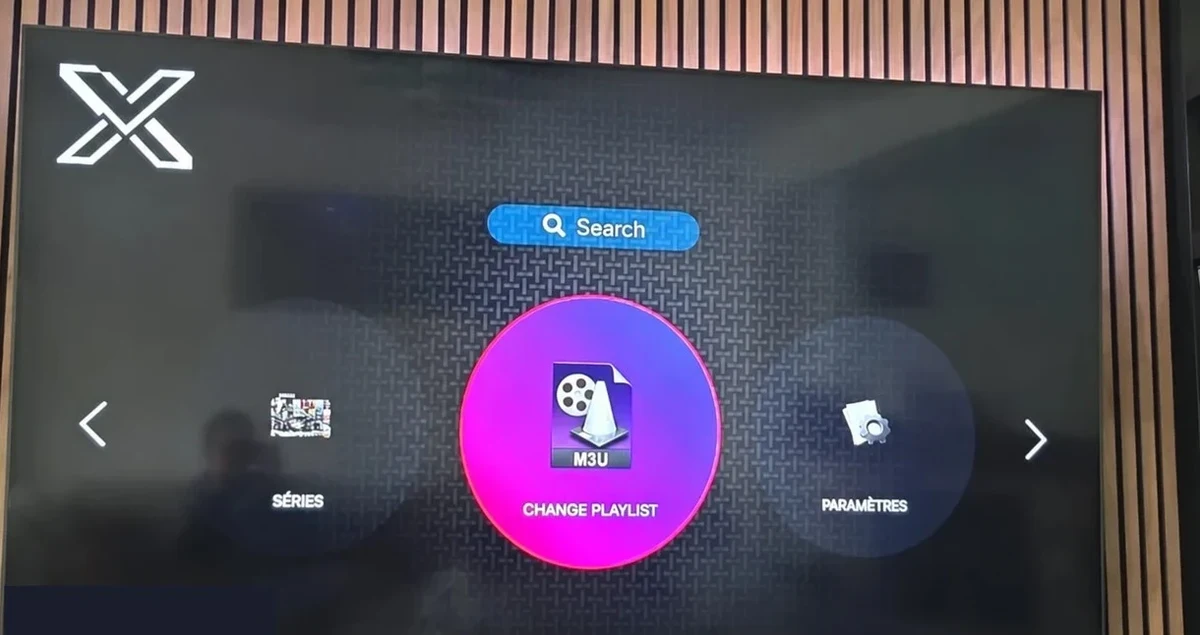
On XOTT's installation page, choose the listing for the device platform and confirm whether the app needs its own activation.
Set up the account for XOTT
- On XOTT's installation page, choose the listing for the device platform and confirm whether the app needs its own activation.
- Use the private account format confirmed by XOTT for the input screen you see. Record the app and device model without posting credentials.
- If a second device needs concurrent playback, confirm an arrangement beyond the published one-connection plan.
- Keep wholesale volume questions separate from distributor questions about escalation and access to other reseller accounts.
Which information should you compare?
| Item | What to retain |
|---|---|
| Source hostname | xott.app |
| Published product | Player software guidance, viewing subscriptions and reseller credit service |
| Device or setup coverage in source | Check the intended hardware with the publisher |
| Source observation | 2026-11-13 |
Test the first viewing session
Start with the device and account scope documented by XOTT. Use one authorized programme on that device, then check its guide entry and test the same session on another screen only if the connection terms allow it. Record the app and OS version, the market and whether the issue affects guide data, playback or sign-in.
Trial prerequisites from the source
XOTT describes a one-day account trial by request after compatible player installation. Its setup page asks customers to confirm the matching account method and start time.
Sources and further reading
- XOTT plans and reseller packages · First-party home page opened.
- XOTT installation routes · First-party install guide opened.
- XOTT wholesale · First-party route opened.
- XOTT distribution · First-party route opened.