
Service setup
Pro Max 4K service setup guide
Identify Fire OS or Vega on the Fire TV model before choosing the player route shown in the device guide.

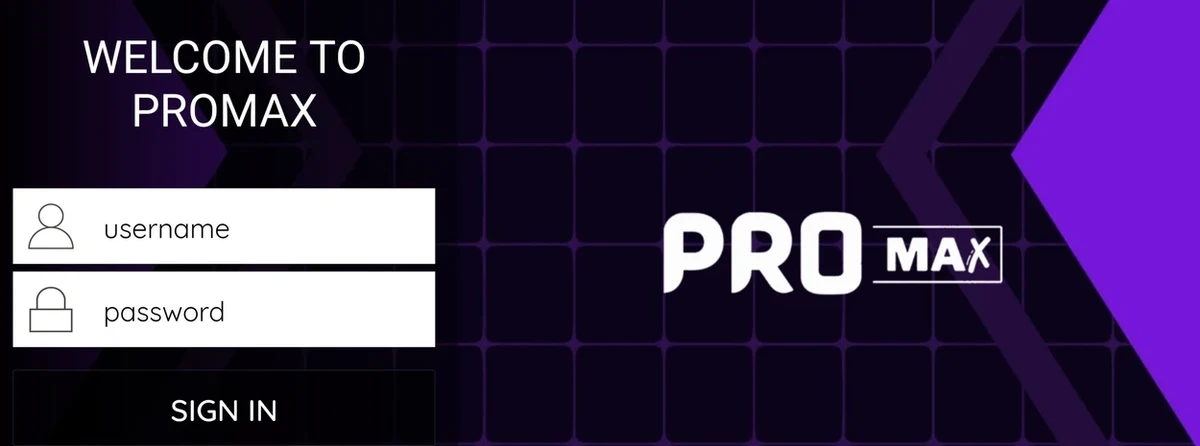
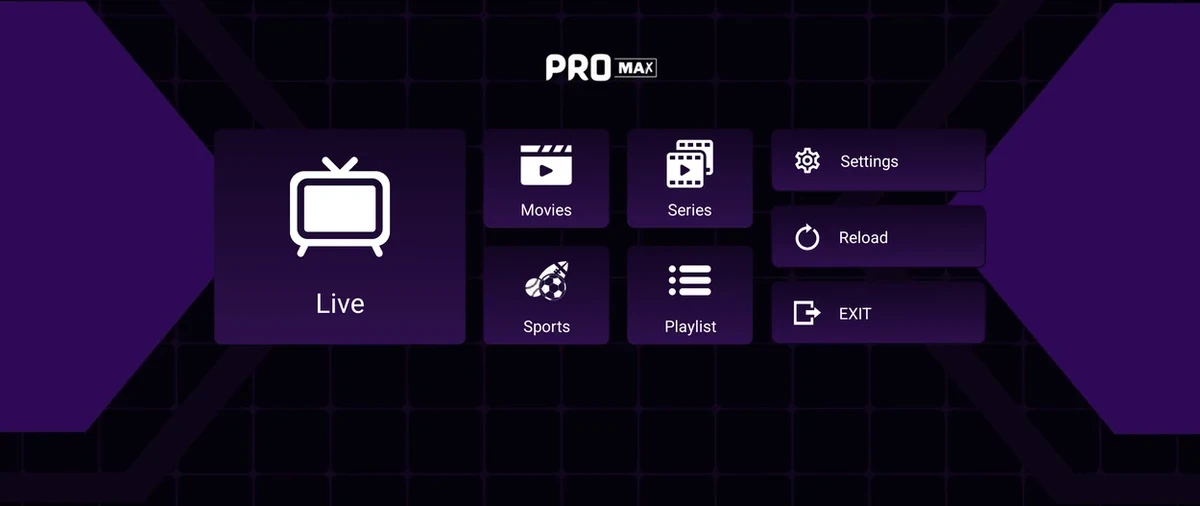
Identify Fire OS or Vega on the Fire TV model before choosing the player route shown in the device guide.
Set up the account for Pro Max 4K
- Identify Fire OS or Vega on the Fire TV model before choosing the player route shown in the device guide.
- Check the player store or installation page and confirm any separate licence before requesting the trial.
- Ask for the simultaneous stream allowance on your order. Save the actual payment and activation terms because the site prepares an enquiry.
- For reseller planning, distinguish a single twelve-month activation from twelve one-month activations. The published deductions are 1 and 1.2 credits respectively.
Which information should you compare?
| Item | What to retain |
|---|---|
| Source hostname | promax4k.tv |
| Published product | Viewing subscription, player guidance and reseller credit service |
| Device or setup coverage in source | Fire TV |
| Source observation | 2026-11-13 |
Test the first viewing session
Start with the device and account scope documented by Pro Max 4K. Use one authorized programme on that device, then check its guide entry and test the same session on another screen only if the connection terms allow it. Record the app and OS version, the market and whether the issue affects guide data, playback or sign-in.
Trial prerequisites from the source
The site asks viewers to install and open the appropriate player, then request a one-day free trial and provide the device model and player name.
Sources and further reading
- Pro Max 4K OTT site and plans · First-party home page opened.
- Pro Max customer-term deductions · First-party pack totals and allocation table captured.
- Pro Max wholesale · First-party route opened.
- Pro Max distributor · First-party route opened.
- Pro Max device installation information · First-party route opened.