
Service setup
IPTV Europe service setup guide
Identify the exact European country, broadcaster edition and audio or caption requirement when you enquire.

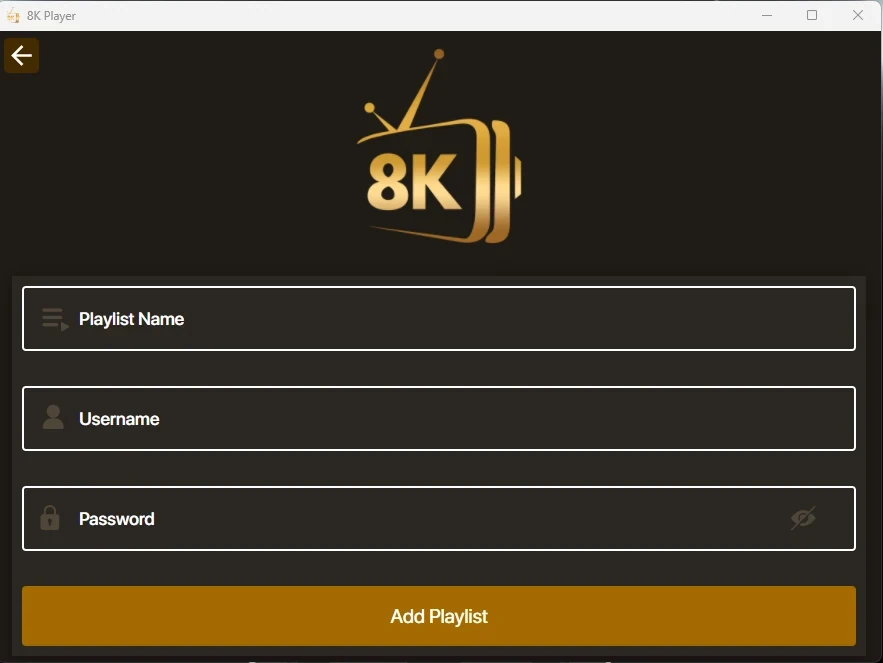

Identify the exact European country, broadcaster edition and audio or caption requirement when you enquire.
Set up the account for IPTV Europe
- Identify the exact European country, broadcaster edition and audio or caption requirement when you enquire.
- Check the model and TV operating system before selecting a player. The owner release directs viewers to the device store or verified developer source.
- Ask for the complete current EUR charge, connection allowance and separate player fee in writing because the available price sources conflict.
Which information should you compare?
| Item | What to retain |
|---|---|
| Source hostname | iptveurope.net |
| Published product | European-market IPTV subscription and commercial enquiries |
| Device or setup coverage in source | Check the intended hardware with the publisher |
| Source observation | 2026-11-13 |
Test the first viewing session
Start with the device and account scope documented by IPTV Europe. Use one authorized programme on that device, then check its guide entry and test the same session on another screen only if the connection terms allow it. Record the app and OS version, the market and whether the issue affects guide data, playback or sign-in.
Trial prerequisites from the source
The 4 November owner release describes a one-day request after installing a suitable player. Ask the provider to confirm current trial conditions for your country.