Provider profiles
Tell the 5G players apart
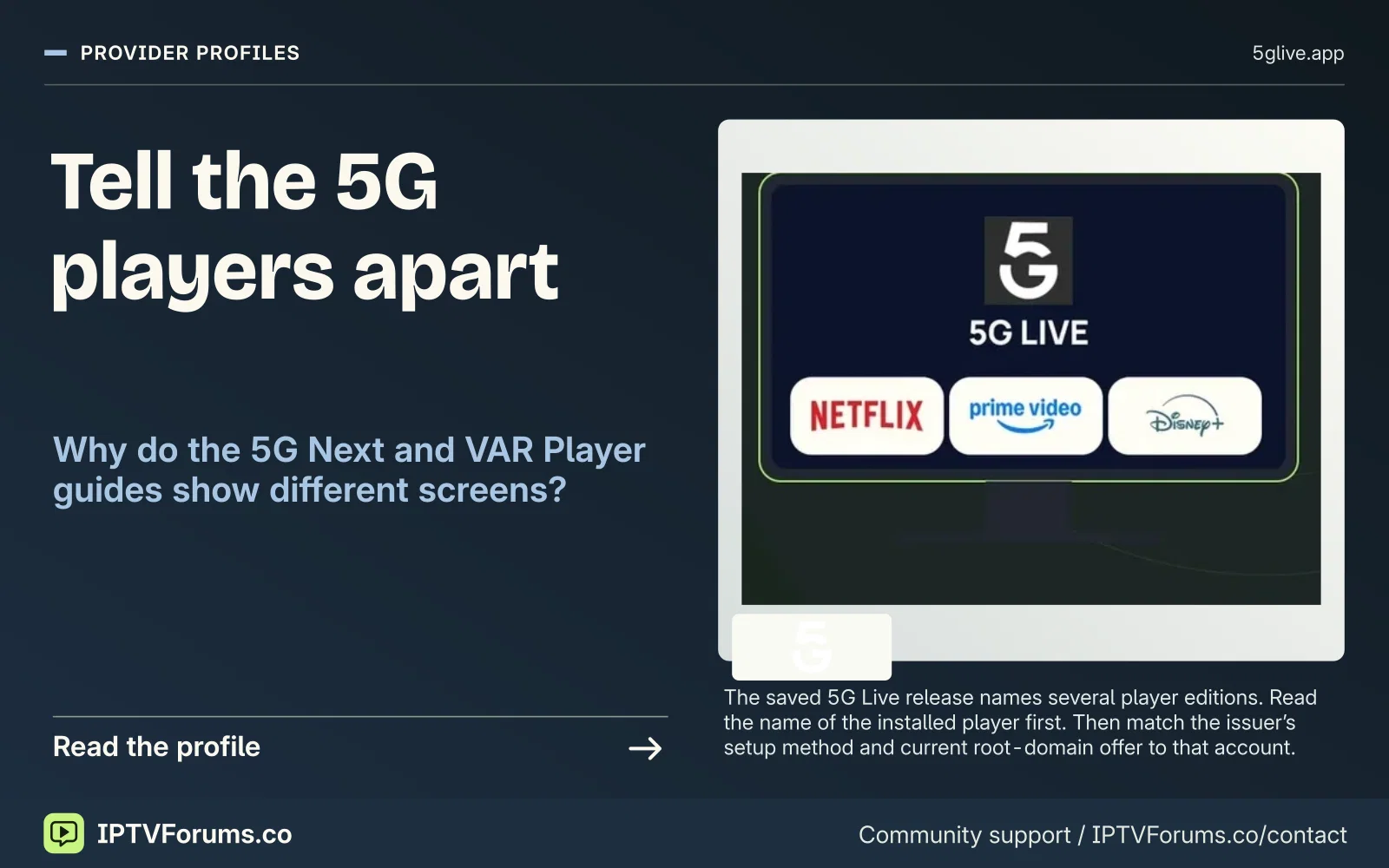
The saved 5G Live release names several player editions. Read the name of the installed player first. Then match the issuer’s setup method and current root-domain offer to that account.
Provider profile
5G Live’s 5G Next, 5G Play and VAR Player references, release artwork and the account fields to confirm.
Provider profiles
The saved 5G Live release names several player editions. Read the name of the installed player first. Then match the issuer’s setup method and current root-domain offer to that account.
Provider profiles
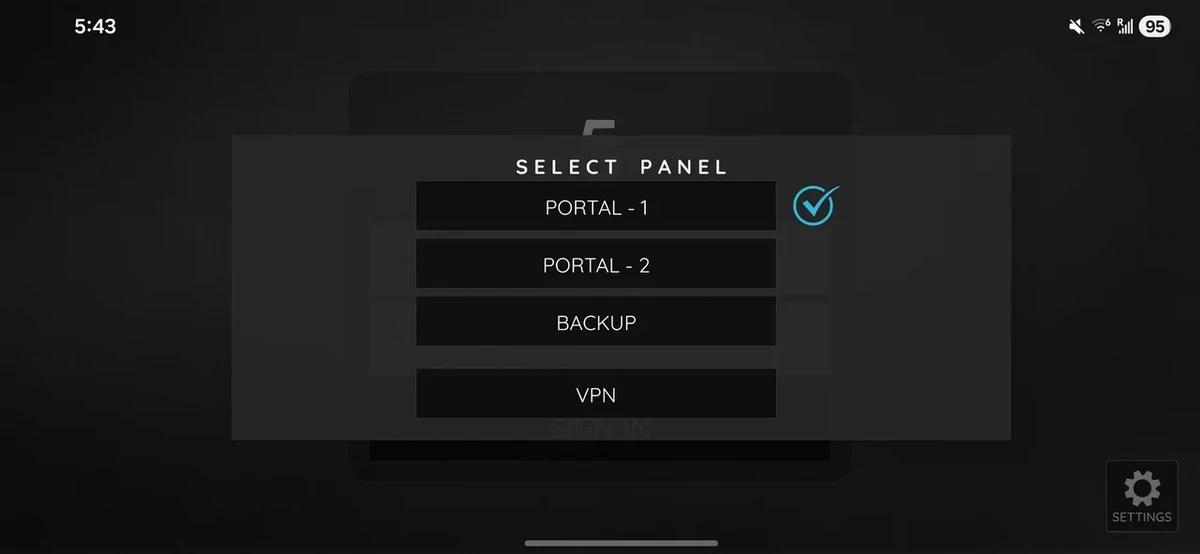
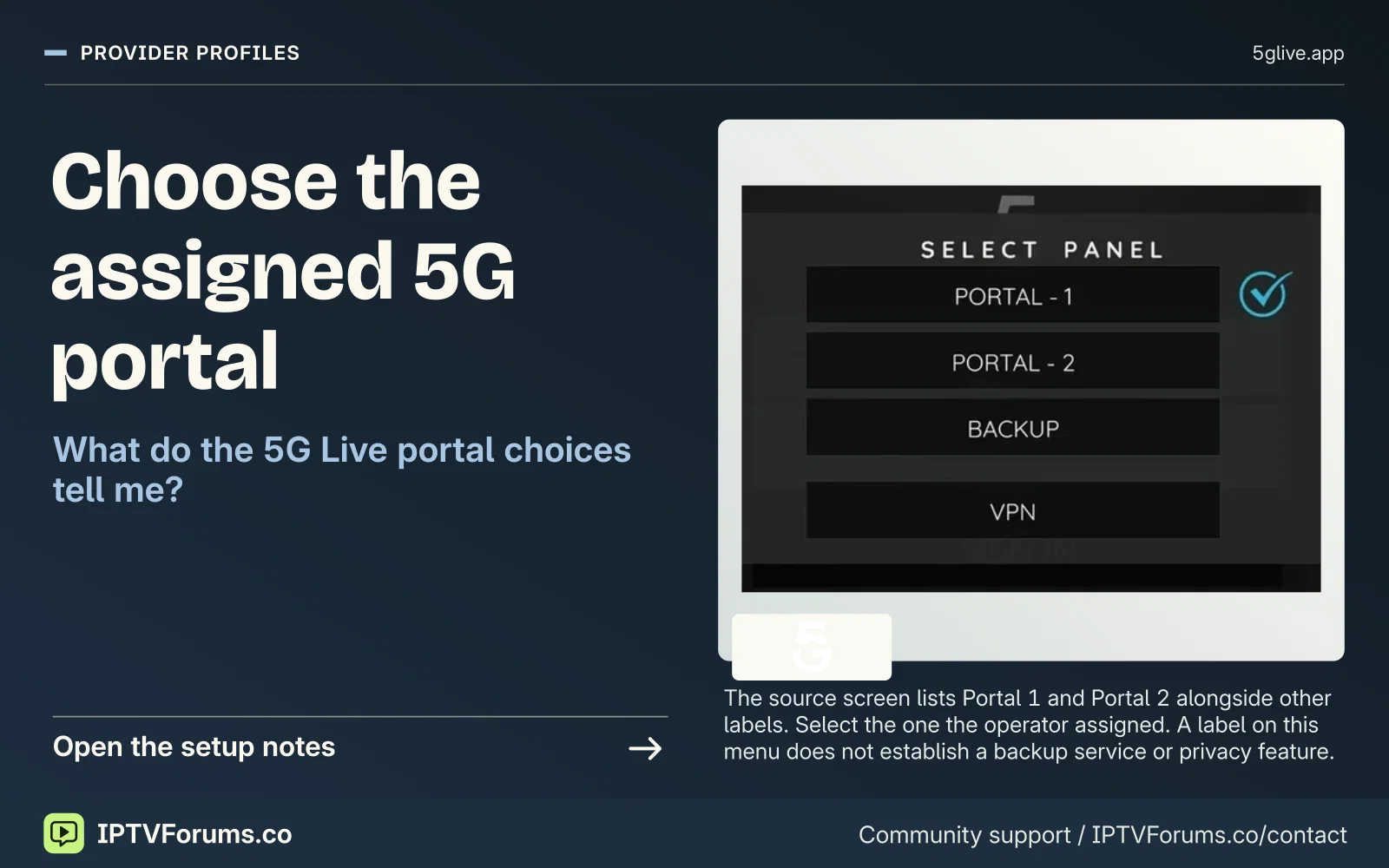
The source screen lists Portal 1 and Portal 2 alongside other labels. Select the one the operator assigned. A label on this menu does not establish a backup service or privacy feature.
Provider profiles
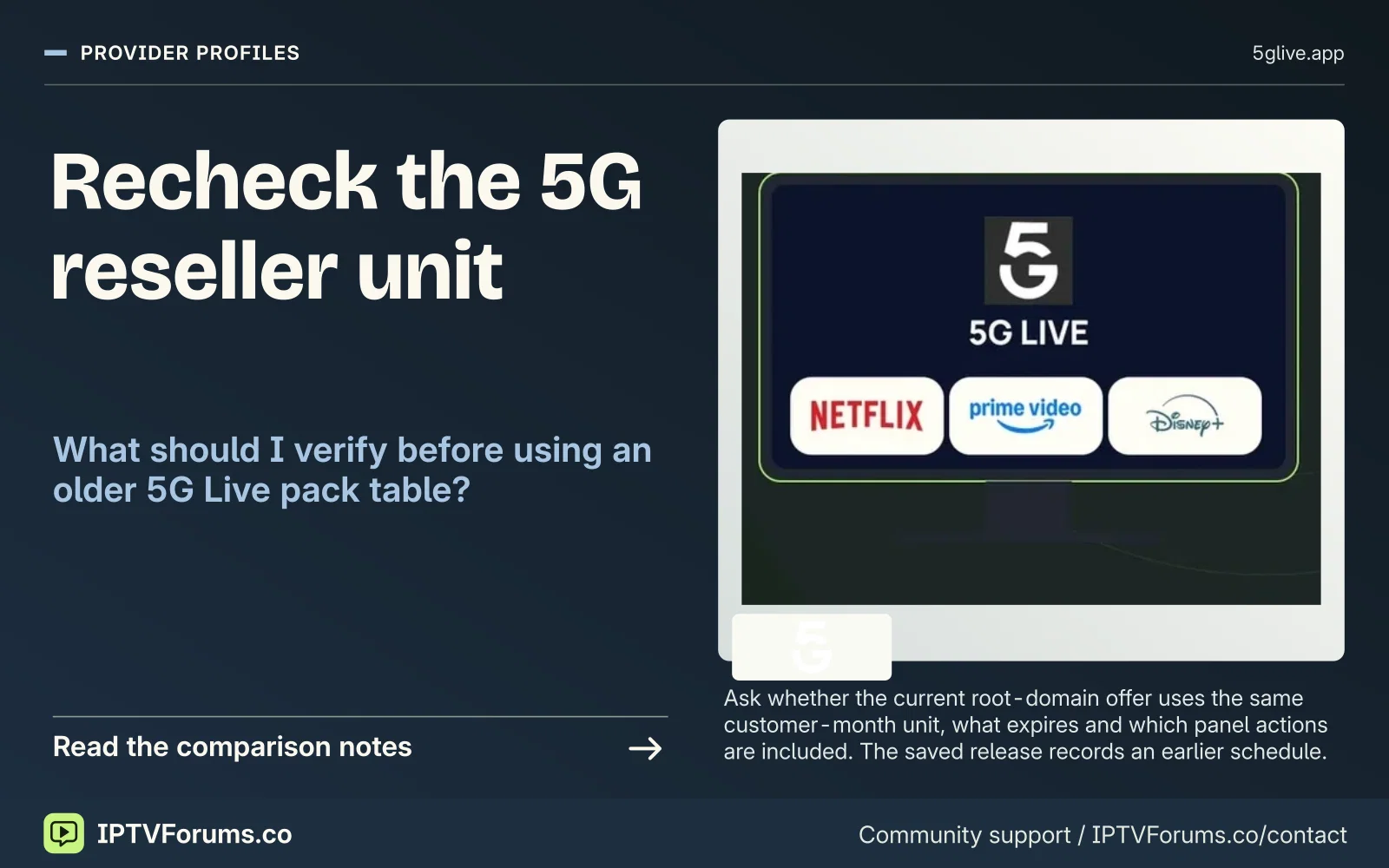
Ask whether the current root-domain offer uses the same customer-month unit, what expires and which panel actions are included. The saved release records an earlier schedule.
Subscription pricing
Ask the root-domain operator for the complete viewing total and billing currency. An older 4k subdomain and a saved 5G release cannot settle the current charge.
Order status Request a quote
Subscription pricing
Name 5G Next, 5G Play or the edition on your own device. Ask whether its licence is included in the quoted term and who issues the receipt for any separate charge.
Order status Request a quote
Subscription pricing
Request whether renewal is automatic, the last date to cancel and the amount of the next payment. Save the seller’s answer beside the expiry date on your current account.
Order status Request a quote
Reseller desk
Ask the root-domain operator to name the issued panel, permitted actions and included credit quantity. A portal selector in a viewer app shows a different part of the service.
Order status Written quote

Pick the exact player before starting a 5G Live setup. The release describes 5G Next, 5G Play, 5G Live and VAR Player separately. The Apple VAR service-code field belongs to its own instructions.
The original comparison tables record the 13 November 2026 editorial edition. The illustrated offer cards carry their own evidence dates. Browse the dated pricing cards.
| Item | Observed detail |
|---|---|
| Hostname | 5glive.app |
| Product scope | IPTV subscription, player references and customer-month reseller credits |
| Source check | 2026-11-13 |
| Audience described in source | Confirm eligibility for your viewing and billing location |
| Term | Displayed total | Connections if stated | Evidence |
|---|---|---|---|
| 1 month | USD 6.99 | Confirm for your order | owner-supplied release snapshot |
| 3 months | USD 15.99 | Confirm for your order | owner-supplied release snapshot |
| 6 months | USD 28.99 | Confirm for your order | owner-supplied release snapshot |
| 12 months | USD 44.99 | Confirm for your order | owner-supplied release snapshot |
The root-domain release describes an owner-approved one-day free trial request after a compatible player is installed.
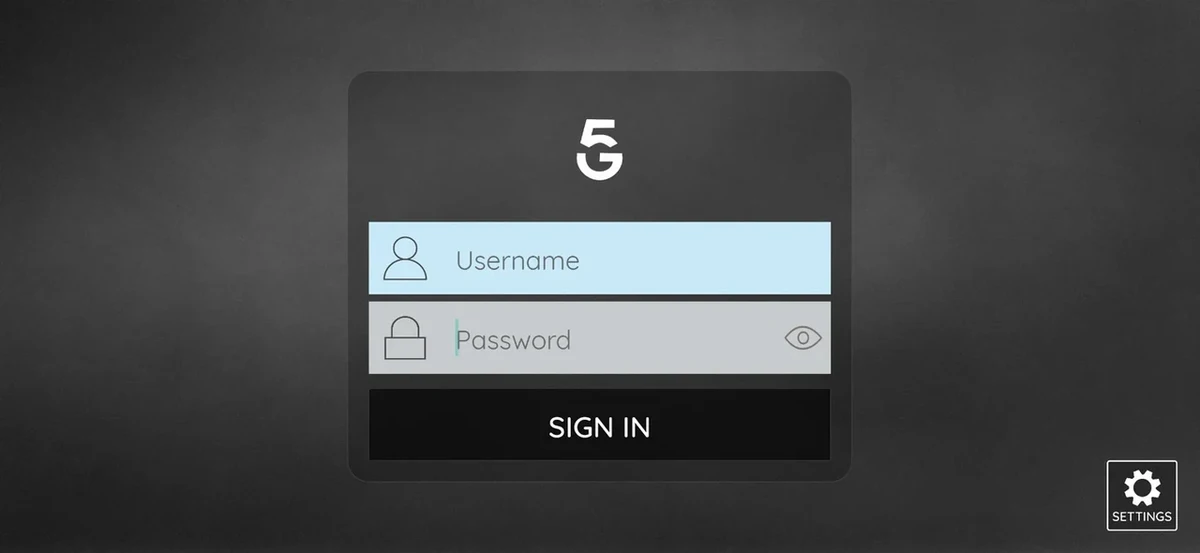
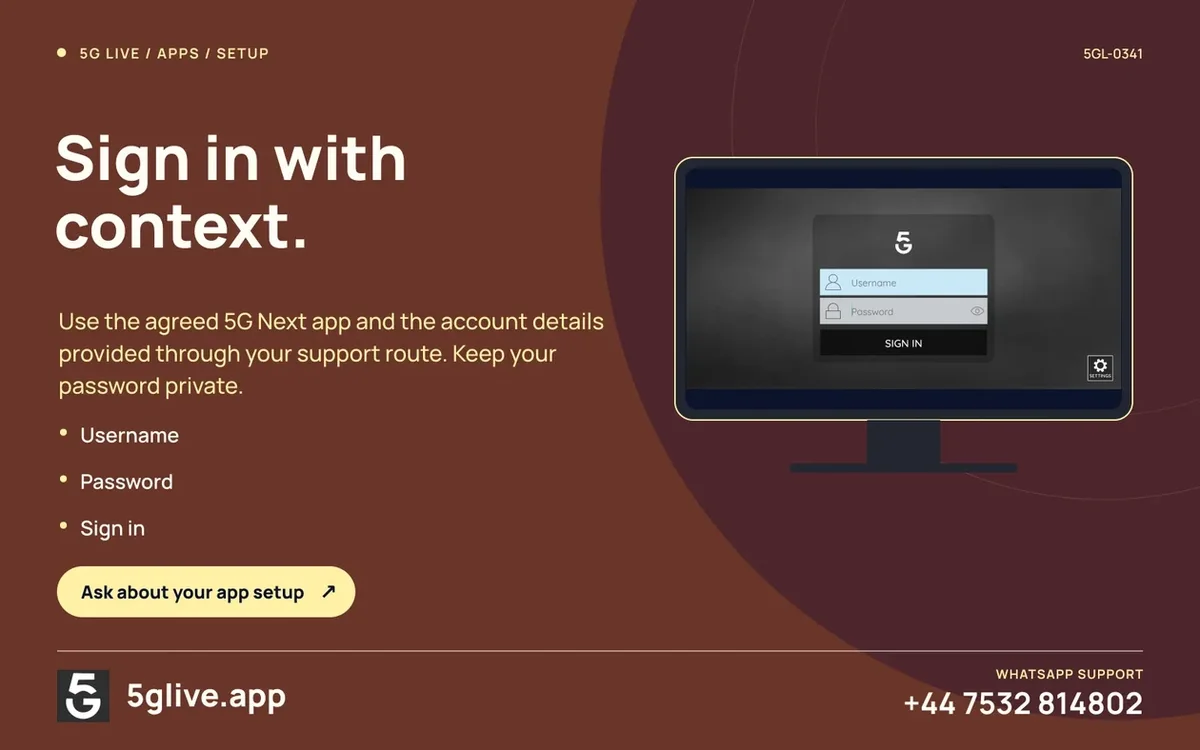
If you see the empty 5G Next sign-in view, write down the platform and publisher. Ask which account fields apply to your order. Check the app store or verified distribution route for that exact device.
For a new purchase, obtain a current full term or reseller pack quote. Release artwork helps identify the service and app, while the current invoice establishes what was charged.
For 5glive.app, get a current written quote with the full price, currency, term and number of simultaneous connections. Compare it with the evidence state shown above.
Identify the specific player and account method using the 5G Live release's app references. An Apple VAR Player service code is a separate field from a 5G Live account.
Open the setup guide · Check wholesale terms
The 5G Live root-domain release shows separate references for 5G Next, 5G Play, 5G Live and VAR Player. Use the name displayed on the actual device. For the Apple VAR instructions, confirm the service-code field described in that release. If a person is following screenshots for another app, the login fields can look unfamiliar even though they are reading material with the same service name. Ask for the current publisher listing and the input format that applies to your device. Keep service codes, credentials and private playlist addresses out of screenshots you share in public.
An installer who handles both an Apple device and a TV box should make two short records. Write down the model, operating system, player name and version for each. Under that, note the field labels and whether the app opened and saved the settings. Ask support whether the selected subscription permits those two installations and whether they may play at the same time. This gives a clearer report than sending an image from the phone to explain what happened on the television.
The owner-supplied 5glive.app release records USD 6.99 for one month, USD 15.99 for three and USD 44.99 for twelve. The current .app checkout was not confirmed. A buyer with a working app can request the current full charge and find out whether the one-day trial described in the release is available at the intended time. Ask for a quote on the same hostname as the order. Material found on 4k.5glive.app or on a different domain may describe different amounts and packages.
The supplied release shows USD 139 for 100 credits and uses one credit per customer-month. Under that model, four annual terms and eight three-month terms would debit 72 credits, leaving 28 before other activity. At USD 1.39 per credit in the archived pack, the example allocates USD 100.08 to those twelve orders before separate fees. Confirm the currently charged pack, expiry and debit rules for both first activations and renewals. Put the figure from the current invoice on the same line as the issuing hostname so it cannot be confused with a package from an older site.