Provider profile
5G Live plans, apps and setup
5G Live’s 5G Next, 5G Play and VAR Player references, release artwork and the account fields to confirm.
- 1 monthUSD 6.99Release record
- 3 monthsUSD 15.99Release record
- 6 monthsUSD 28.99Release record
- 12 monthsUSD 44.99Release record

Pick the exact player before starting a 5G Live setup. The release describes 5G Next, 5G Play, 5G Live and VAR Player separately. The Apple VAR service-code field belongs to its own instructions.
Which listing is this?
| Item | Observed detail |
|---|---|
| Hostname | 5glive.app |
| Product scope | IPTV subscription, player references and customer-month reseller credits |
| Source check | 2026-11-13 |
| Audience described in source | Confirm eligibility for your viewing and billing location |
Full viewing term totals
| Term | Displayed total | Connections if stated | Evidence |
|---|---|---|---|
| 1 month | USD 6.99 | Confirm for your order | owner-supplied release snapshot |
| 3 months | USD 15.99 | Confirm for your order | owner-supplied release snapshot |
| 6 months | USD 28.99 | Confirm for your order | owner-supplied release snapshot |
| 12 months | USD 44.99 | Confirm for your order | owner-supplied release snapshot |
Trial details
The root-domain release describes an owner-approved one-day free trial request after a compatible player is installed.
Check the setup and account terms
- Identify the specific player and account method using the 5G Live release's app references. An Apple VAR Player service code is a separate field from a 5G Live account.
- For a TV or streaming stick, confirm the model, operating system and current developer distribution route before acting on an installation shortcut.
- Install and open the compatible player before requesting a one-day trial. Give support the device and player name without posting credentials.
Source limits
- The supplied .app release is a separate source from archived 4k.5glive.app or 5g-live.tv pages. The latter show different packs and are excluded.
- Current .app public pages could not be recovered. Checkout, connection allowance, app binary, territories and viewing rights remain unverified.
- The archive names specific player screens. Confirm the source and publisher before using an installation shortcut.
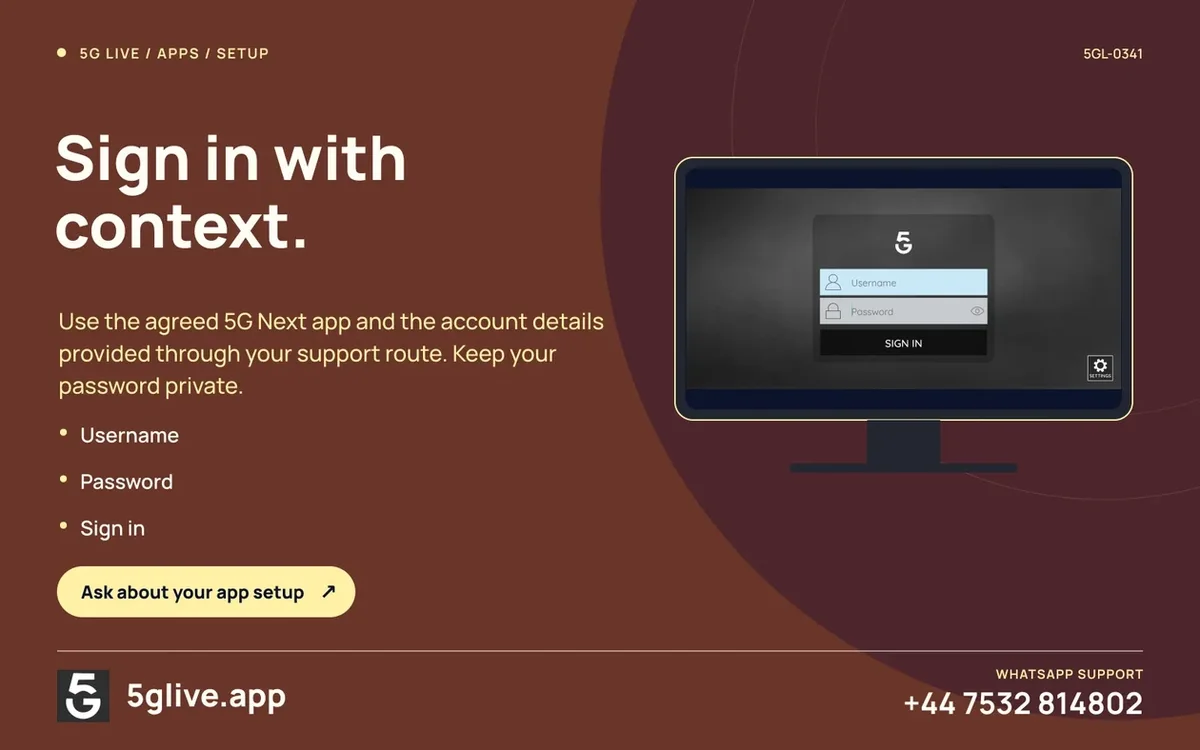
Use the app screenshot to identify the form
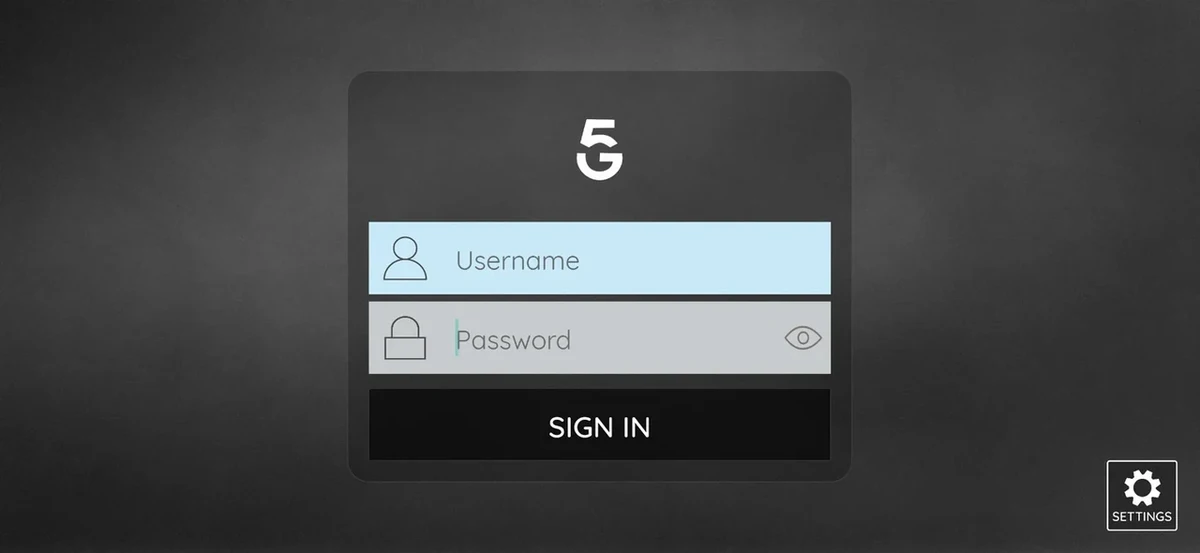
If you see the empty 5G Next sign-in view, write down the platform and publisher. Ask which account fields apply to your order. Check the app store or verified distribution route for that exact device.
For a new purchase, obtain a current full term or reseller pack quote. Release artwork helps identify the service and app, while the current invoice establishes what was charged.
Put the plan beside your device checklist
For 5glive.app, get a current written quote with the full price, currency, term and number of simultaneous connections. Compare it with the evidence state shown above.
Identify the specific player and account method using the 5G Live release's app references. An Apple VAR Player service code is a separate field from a 5G Live account.
Open the setup guide · Check wholesale terms
Sources and further reading
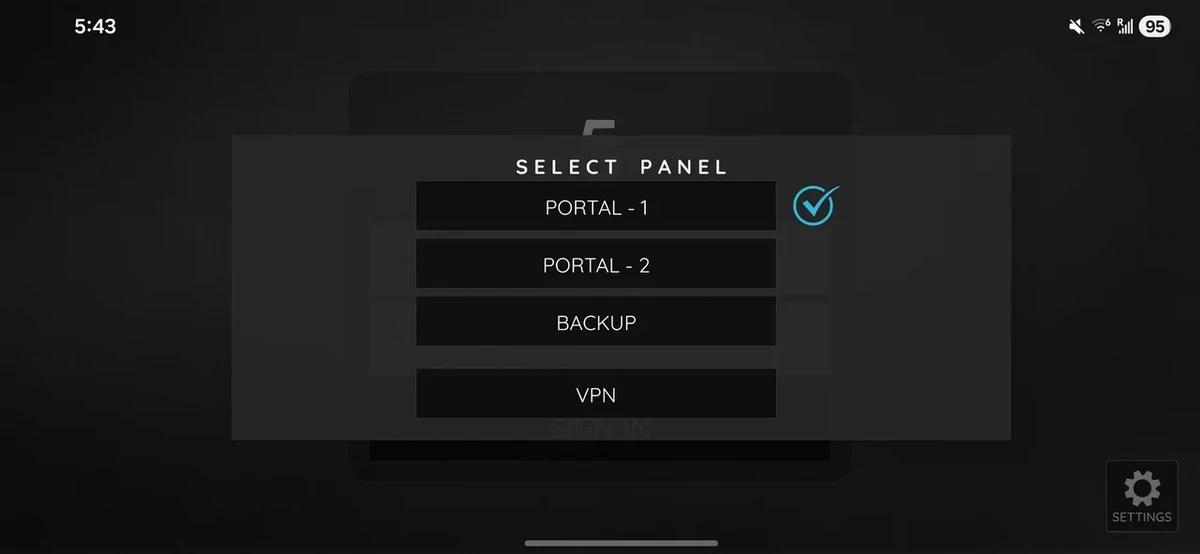
App screens
Provider artwork