
Device and app evidence
Roku Ultra 4850R wired and HDR playback check · IPTV setup and compatibility
Roku lists the 4850R with Wi-Fi 6 and a 10/100 Ethernet port. It lists Dolby Vision, HDR10, HDR10+ and HLG for compatible 4K HDR televisions.
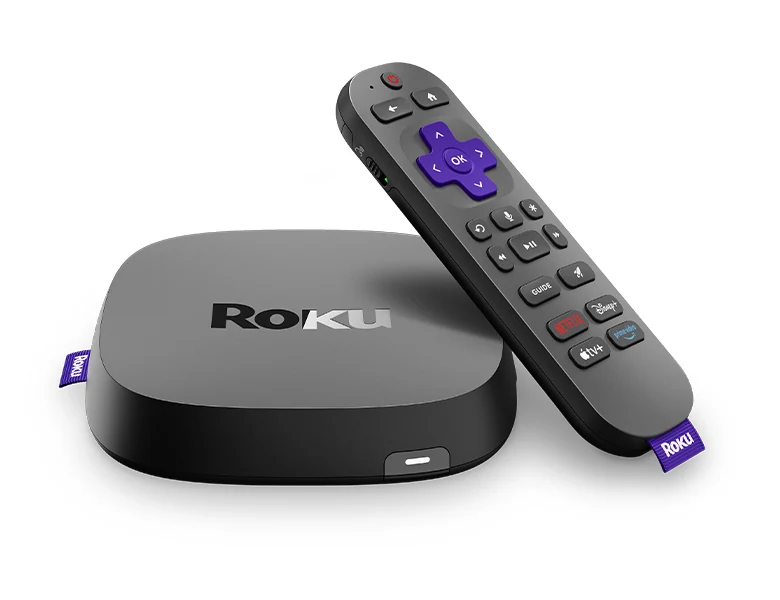
Roku lists the 4850R with Wi-Fi 6 and a 10/100 Ethernet port. It lists Dolby Vision, HDR10, HDR10+ and HLG for compatible 4K HDR televisions.
Confirm the exact product or platform
| Check | Manufacturer or publisher evidence |
|---|---|
| Platform | Roku OS |
| Publisher | Roku |
| Model | 4850R |
| Network | Dual-band Wi-Fi 6 and 10/100 Ethernet |
| HDR families | Dolby Vision, HDR10, HDR10+ and HLG in the manufacturer specification |
What to do on your device
- Confirm 4850R on the package or Roku system information before comparing another Ultra generation.
- Compare the same permitted source through Wi-Fi or wired Ethernet and record which path the Roku used.
- Check the TV’s detected HDR signal and use a publisher-supported Roku app.
Test the viewing task
Use one authorized programme with a known audio or caption track. Check the same task after the documented change. If the result differs, report the model, OS or app version and the format or connection that the guide above applies to.