Device and app evidence
Infomir MAG544 and MAG544w3 codec and connection check · IPTV setup and compatibility
The MAG544 family product page highlights AV1 and HEVC, and its detailed table qualifies the listed 4K60 HEVC mode. The w3 variant adds wireless connectivity.
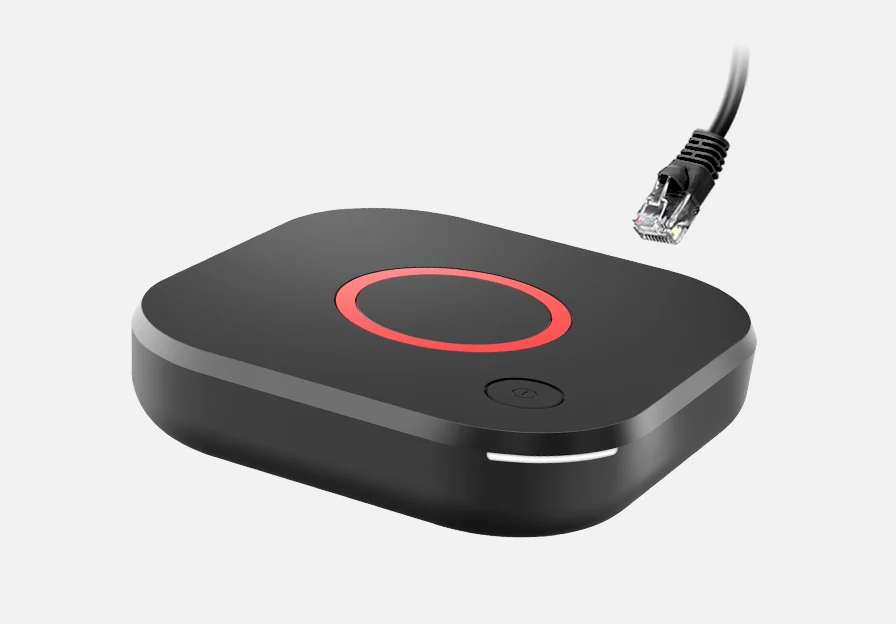
The MAG544 family product page highlights AV1 and HEVC, and its detailed table qualifies the listed 4K60 HEVC mode. The w3 variant adds wireless connectivity.
Confirm the exact product or platform
| Check | Manufacturer or publisher evidence |
|---|---|
| Platform | Linux WebKit |
| Publisher | Infomir |
| Applicable version | Linux 4.9 |
| Wired Ethernet | 100 Mbps for both models |
| Wi-Fi | Built-in on MAG544w3 |
| Manufacturer highlights | AV1 and HEVC, with profile qualifications in the detailed table |
| Firmware | Linux 4.9 |
What to do on your device
- Confirm MAG544 or MAG544w3 and note the device’s firmware before choosing a playback comparison.
- Start with a permitted H.264 baseline and check the exact variant’s supported stream profile before testing an advanced format.
- Check whether subtitles are DVB, WebVTT or another listed format when the picture works and captions fail.
Test the viewing task
Use one authorized programme with a known audio or caption track. Check the same task after the documented change. If the result differs, report the model, OS or app version and the format or connection that the guide above applies to.
View the manufacturer artwork
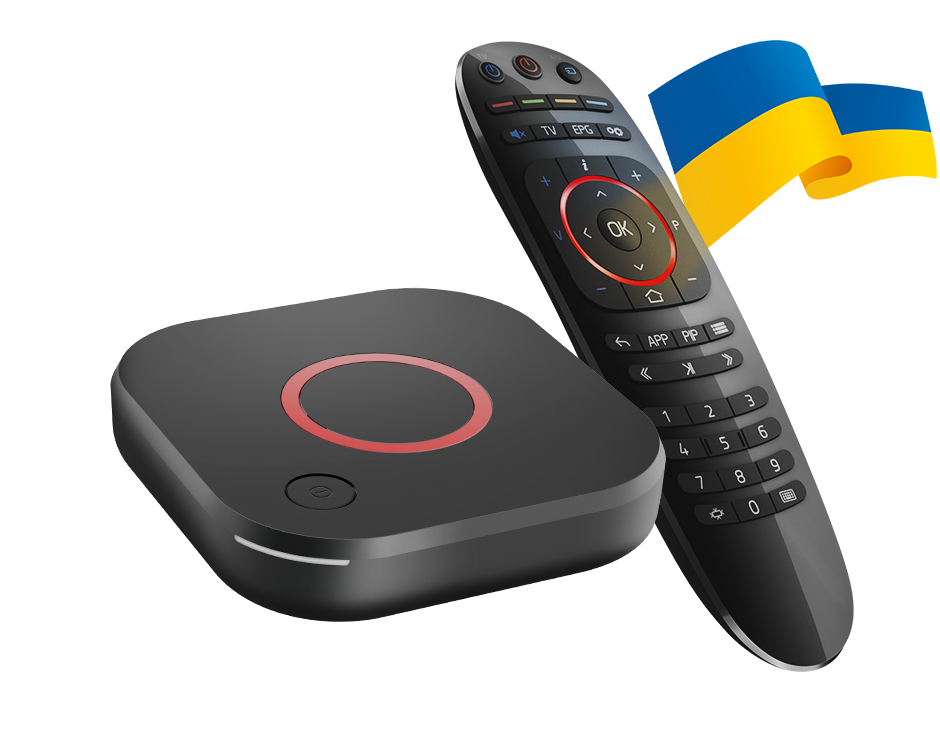
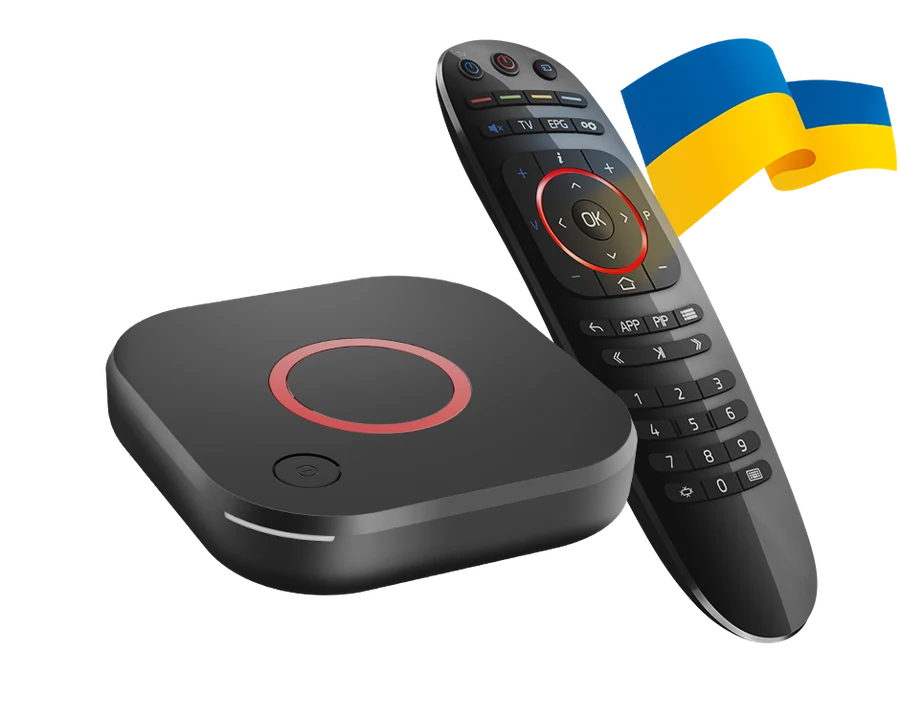
- Infomir MAG544 series with remote · 940 × 750