
Device and app evidence
Formuler Z11 Pro Max · IPTV setup and compatibility
Formuler documents the Z11 Pro Max with Android 11, 4 GB RAM, 32 GB storage, wireless AX and Gigabit Ethernet.
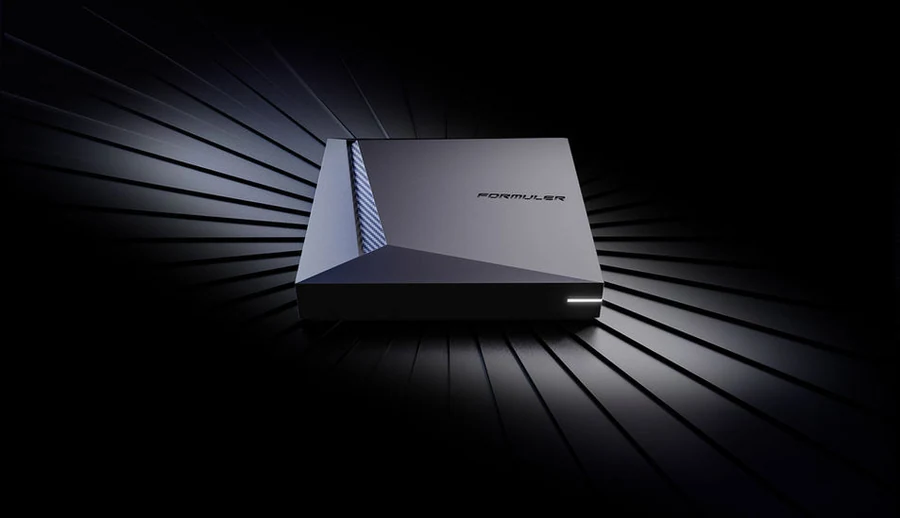
Formuler documents the Z11 Pro Max with Android 11, 4 GB RAM, 32 GB storage, wireless AX and Gigabit Ethernet.
Confirm the exact product or platform
| Check | Manufacturer or publisher evidence |
|---|---|
| Platform | MYTVOnline 3 |
| Publisher | Formuler |
| Applicable version | MYTVOnline 3 |
| Operating system | Android 11 |
| RAM and storage | 4 GB and 32 GB |
| Network | 802.11ax and Gigabit Ethernet |
What to do on your device
- Use the player’s version 3 Content Manager for the guide or channel list rather than the Z12 settings.
- Compare Gigabit wired and the negotiated Wi-Fi connection on the same legal source.
- Check available local space and destination separately if the problem concerns recording.
Test the viewing task
Use one authorized programme with a known audio or caption track. Check the same task after the documented change. If the result differs, report the model, OS or app version and the format or connection that the guide above applies to.